

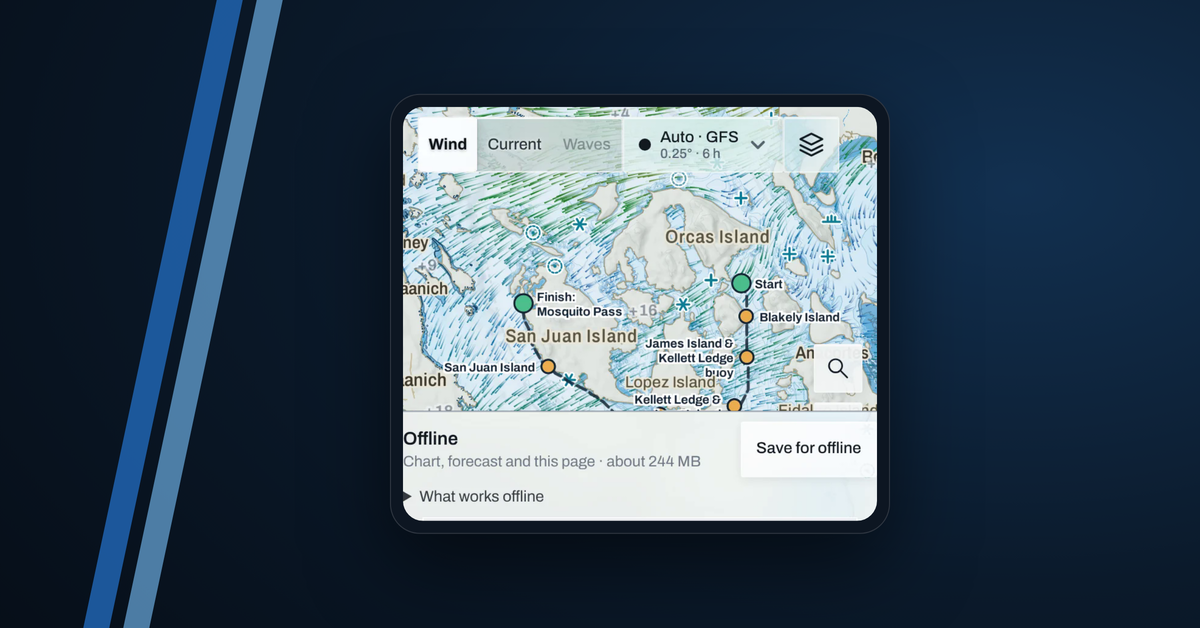

Out on the water you may lose signal for hours. Do this on shore Wi-Fi before you leave the dock. It takes under a minute of your time, and the download finishes by itself a few minutes later.
1. Update the app
Get Telltale 1.9.7 or later from the App Store or Google Play. It saves a whole race in one tap, keeps you signed in when the app reopens with no signal, and shows your boat on a Wi-Fi iPad from your AIS transponder. Not on 1.9.7 yet? Save the race area from the map instead: see Save any area.
2. Tap Save for offline on the race page
Open the race and tap Save for offline under Offline. It saves the chart, depths, the newest wind and current forecast for the race area, and the race page with its course, marks, entries and documents list. For Round the County that's about 245 MB, so use Wi-Fi. When it reads "Ready offline" you're done, and it updates by itself whenever the device has internet, until the race ends.
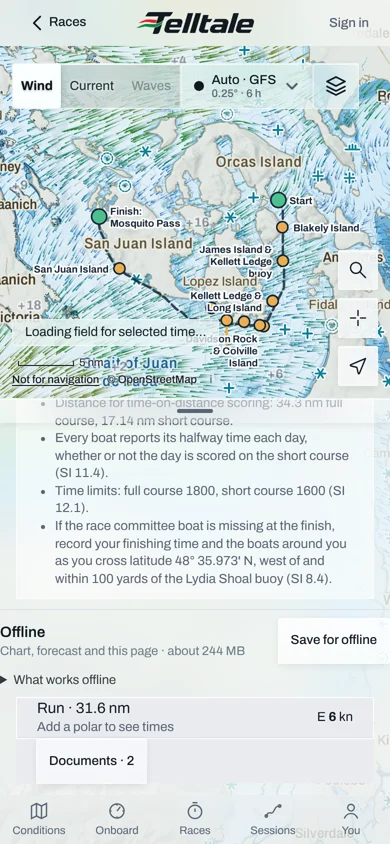
Open the Brief tab once too, so its routes are kept. The sailing instructions themselves are the organiser's files: save them to Files or Books.
3. Start recording before you lose signal
Start in the harbour and leave the app open; locking the screen is fine. On a device that has never recorded for your boat, do a one-minute test on shore first: the first recording needs internet.
Save any area
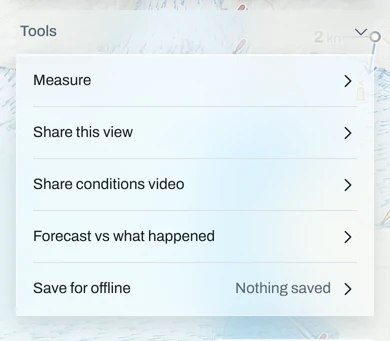
For water outside a race, or on an older version: move the map so the area fills the screen, tap Layers, open Tools and tap Save for offline.
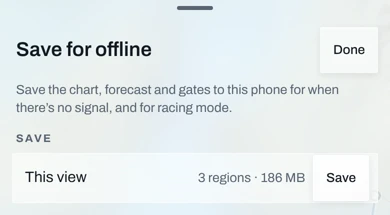
Tap Save beside This view. It shows how many chart regions that is and the download size.
Check what's saved
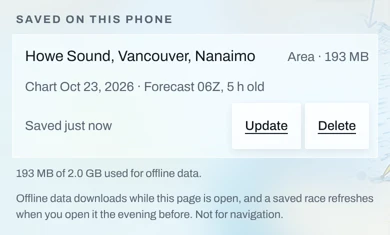
The same panel lists everything under Saved on this phone: each area's name and size, the chart's date, and the forecast run with its age. Tap Update for the newest forecast, or Delete to free space. The line below shows how much of the space for offline data you've used.
What works offline
- The chart, depths, and the wind and current you saved, with their age shown on the map, for example "Forecast 18Z, 9 h old".
- The race page: course, marks, times, entries.
- Recording, from the phone's GPS or the boat's instruments (a Cerbo GX records them by itself). It uploads by itself when you're back in signal; leave the app open on Wi-Fi for a few minutes, or tap Upload now.
What doesn't
- Weather routing. On phones and tablets it needs internet. A route you planned on shore stays on screen with its distances, but it won't re-route at sea. Plan on shore.
- The live tracker and live station readings.
- The organiser's documents, unless you saved them yourself.
- GPS on a Wi-Fi-only iPad. It has no GPS chip. While it records your AIS transponder, the map shows your boat from the transponder's position. See Connect a Digital Yacht AIT3000.