

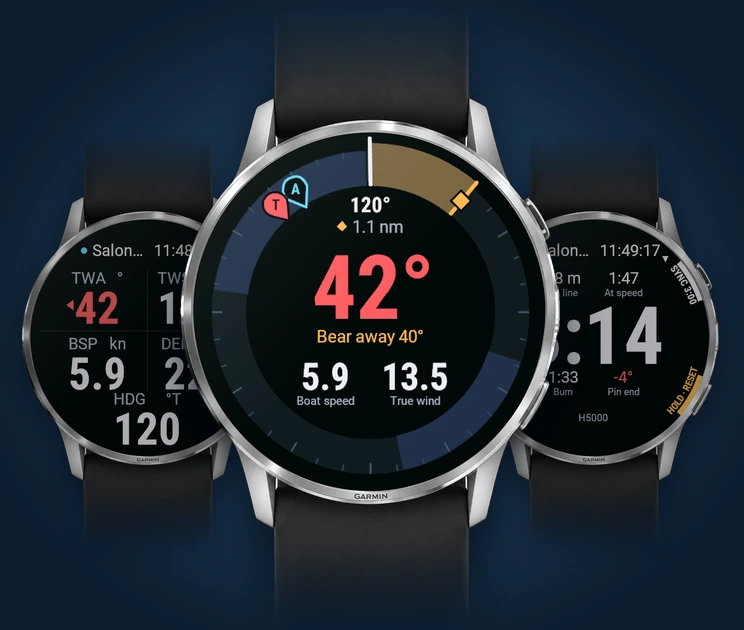

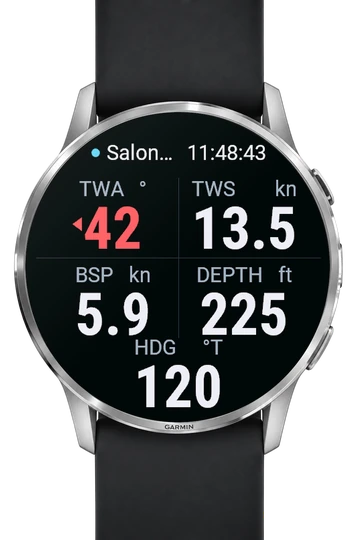
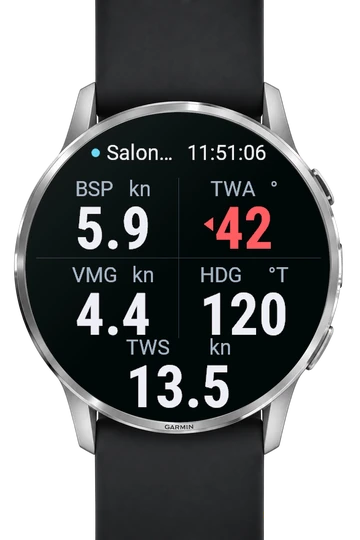
Telltale puts the boat's wind, speed, depth and heading on a Venu or vívoactive, live from your phone. The same app starts and stops recording and runs the start countdown. These watches are touchscreens with two buttons, so the controls differ from a fēnix. The pages and recording work as in the fēnix guide.
Install and connect
- Pair the watch in Garmin Connect and check it says Connected.
- Install Telltale from the Connect IQ store on the watch, and Telltale on the phone.
- On the phone, open Settings → Recording and Wearables. Open Telltale on the watch, then press Connect watch on the phone.
- Press Use this boat for the boat you sail.
The watch shows readings within a few seconds. If it says Phone out of reach, open Telltale on the phone and check the watch in Garmin Connect.
Controls on a Venu
| To | Do this |
|---|---|
| Change page | Swipe up or down |
| Start, pause or save a recording | Top button (Start) |
| Mark a lap | Bottom button (Back) |
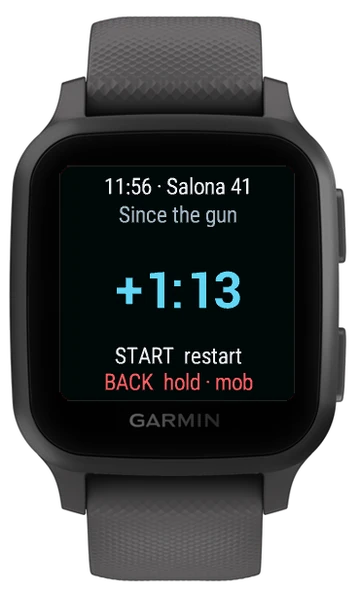
| Start and sync the countdown | Start on the Race page |
| Reset the countdown | Hold Back on the Race page |
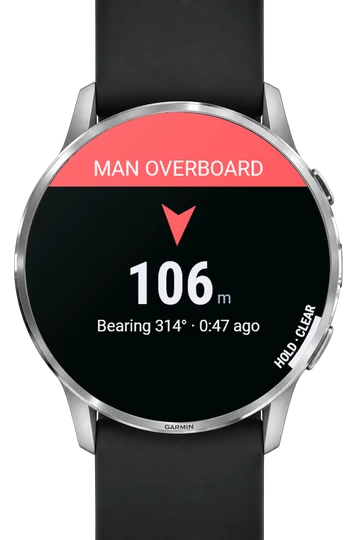
| Man overboard | Hold Back while recording |
The vívoactive 3 has only a Start button, so the Back actions are unavailable on it. These watches have no Up or Down button, so pinging the pin and the boat is only on the five-button Garmins. The line page still shows the distance to the line and the time to burn.
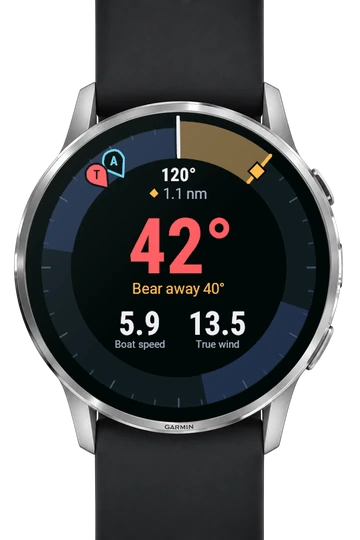
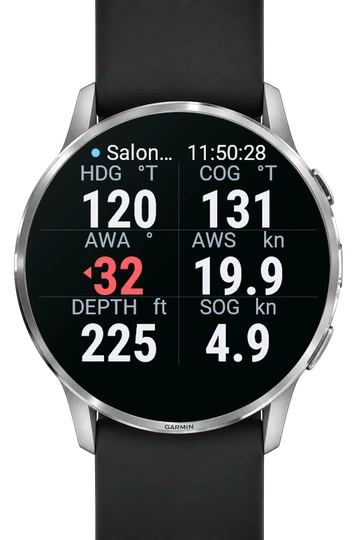
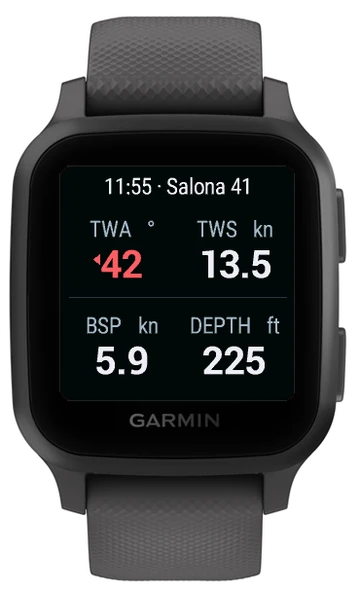
The screens here are from a Venu 4, showing a Salona 41's real readings from a race in Howe Sound.
Record and race
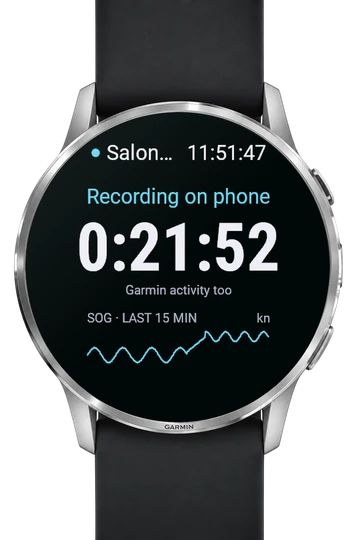
Press Start on any page. The Recorder page says Recording on phone (the watch also records a Garmin Sailing activity with your pulse) or Recording on watch when the phone is out of reach. Press Start again to pause, then choose Save recording.
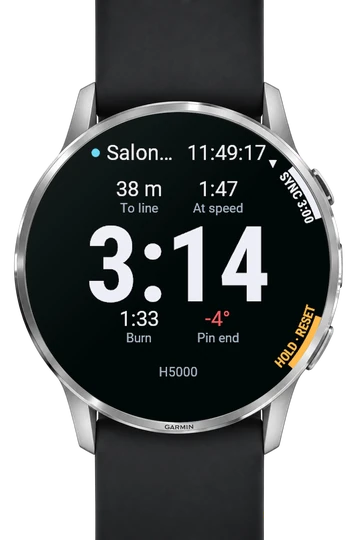
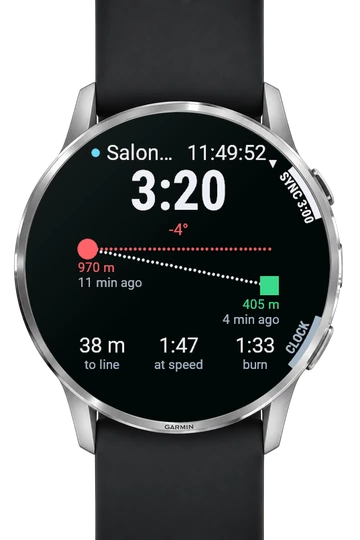
On the Race page the count is the same one the phone shows, and it follows a B&G H5000 race timer when the boat has one. In the last minute it turns amber, and the watch buzzes on each mark.
On a Venu Sq, Venu X1 or vívoactive 3
These watches have less memory, so Telltale runs a lighter set of pages: Station, Tack, Numbers, Activity, Recorder and Race. No Rose, Systems or map.
Prefer Garmin's own activity screen? Add the separate Telltale Data Field to your usual Sailing activity instead. Use the app or the data field for a sail, not both.
Telltale is not a navigation aid.
On another Garmin? fēnix, epix, enduro or MARQ, Forerunner, Instinct.