

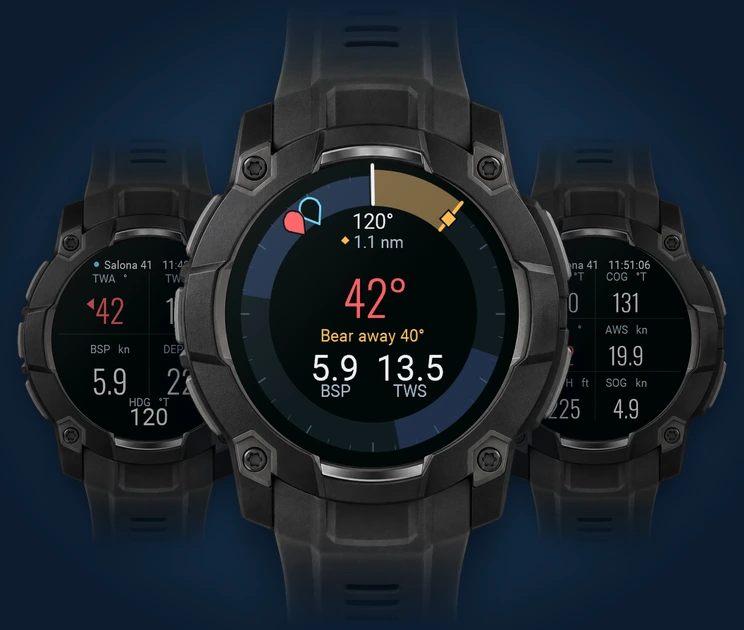

Telltale puts the boat's wind, speed, depth and heading on an Instinct, live from your phone. The same app starts and stops recording and runs the start timer from the buttons. The Instinct 3 AMOLED gets the full colour pages. The solar and older models are black and white and get pages of their own. Pages, recording and the timer are explained in the fēnix guide; this post covers the Instinct screens.
Install and connect
- Pair the watch in Garmin Connect and check it says Connected.
- Install Telltale from the Connect IQ store on the watch, and Telltale on the phone.
- On the phone, open Settings → Recording and Wearables. Open Telltale on the watch, then press Connect watch on the phone.
- Press Use this boat for the boat you sail.
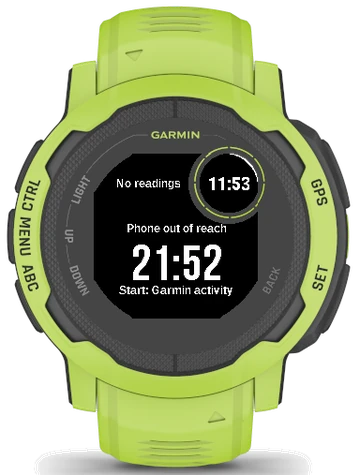
The watch shows readings within a few seconds. If it says Phone out of reach, open Telltale on the phone and check the watch in Garmin Connect.
Which Instinct gets what
| Watch | Screen | Pages |
|---|---|---|
| Instinct 3 AMOLED | Colour | Full set: Rose, Station, Tack, Numbers, Systems, Activity, Recorder, Race |
| Instinct 3 Solar, Instinct E | Black and white | Station, Tack, Numbers, Activity, Recorder, Race, with the time in the round window |
| Instinct 2, 2S, 2X, Crossover and Descent G1 | Black and white | Same pages, but with less memory: the anchor alarm, summary after a sail, the watch's Settings menu and the Race menu stay on the phone |
Instinct 3 AMOLED
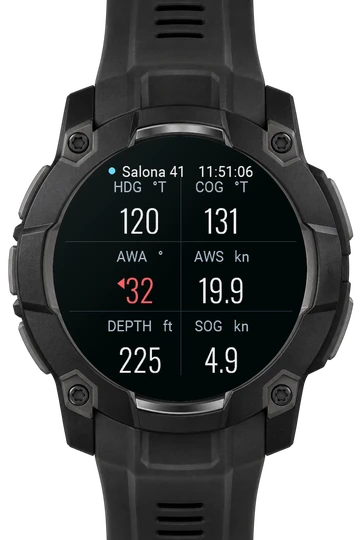
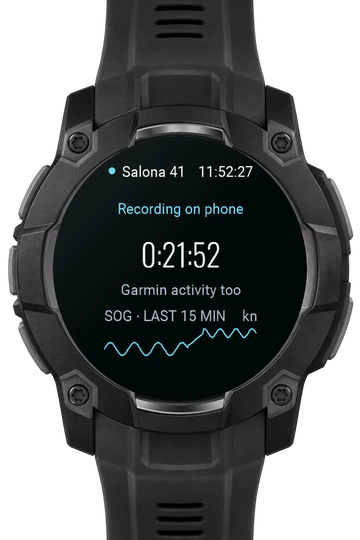
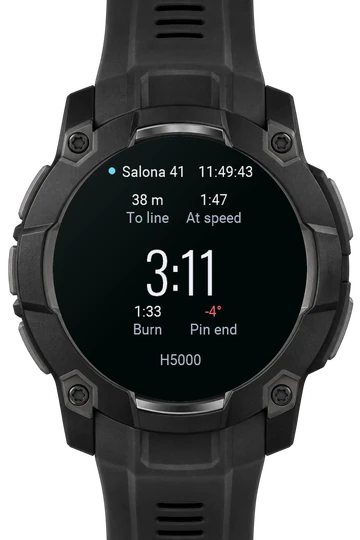
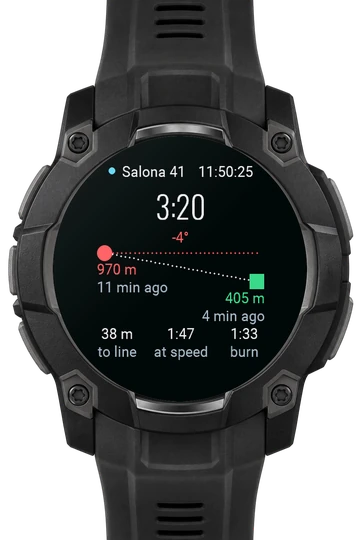
The screens are from an Instinct 3 AMOLED, showing a Salona 41's real readings from a race in Howe Sound. Wind angles are green on starboard and red on port. Depth turns amber when it gets shallow.
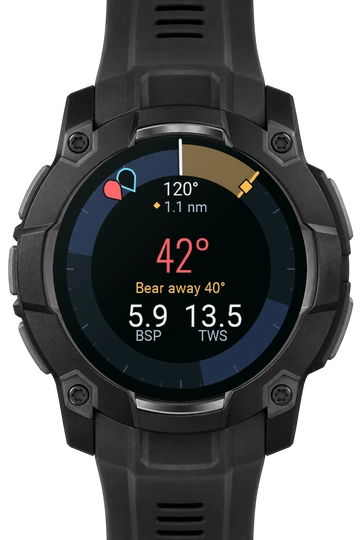
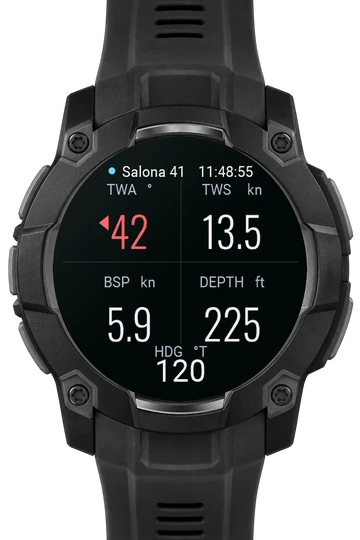
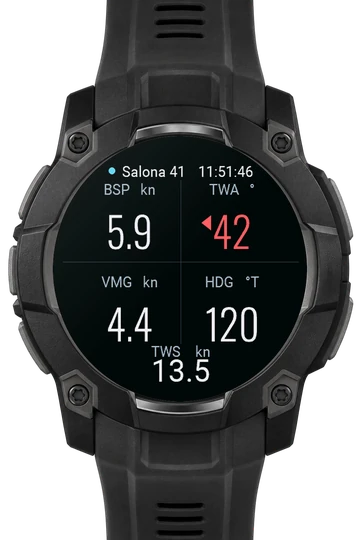
Press Start on any page to record. The Recorder page says Recording on phone (the watch also records a Garmin Sailing activity with your pulse) or Recording on watch when the phone is out of reach. Press Start again to pause, then choose Save recording. Back marks a lap.
On the Race page, Start starts the sequence and syncs to the nearest minute, Up and Down take a minute off or add one, and Back opens the line page, where Up pings the pin and Down pings the committee boat from the phone's GPS. The count follows a B&G H5000 race timer when the boat has one.
Hold Back while recording for man overboard. The ring closes in 2.5 seconds, then the watch marks the spot and points back to it.
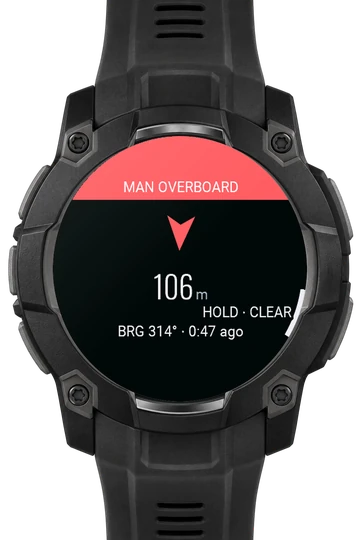
Instinct 3 Solar, Instinct E and Instinct 2
The buttons do the same things on the black-and-white screens.
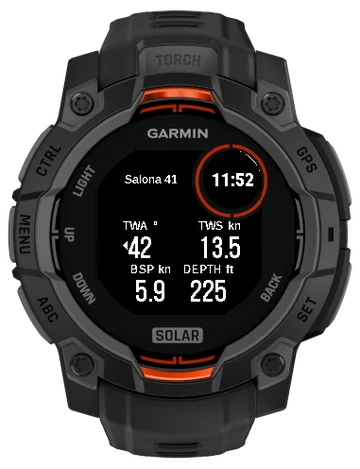
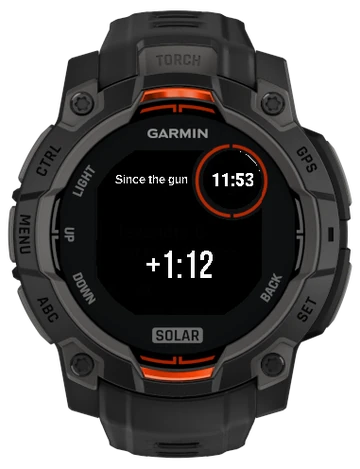
The Instinct 2, 2S, 2X and Crossover and the Descent G1 have less memory. Recording to Telltale needs the phone in reach. Without it, Start records a Garmin Sailing activity on the watch.
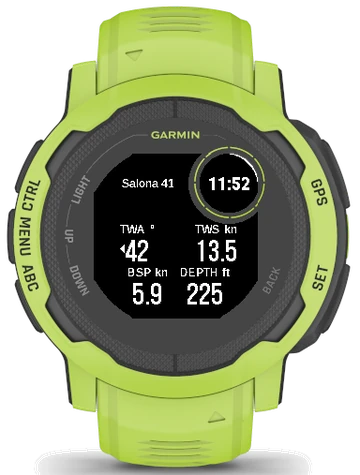
Prefer Garmin's own activity screen? Add the separate Telltale Data Field to your usual Sailing activity instead. Use the app or the data field for a sail, not both.
Telltale is not a navigation aid.
On another Garmin? fēnix, epix, enduro or MARQ, Forerunner, Venu or vívoactive.