

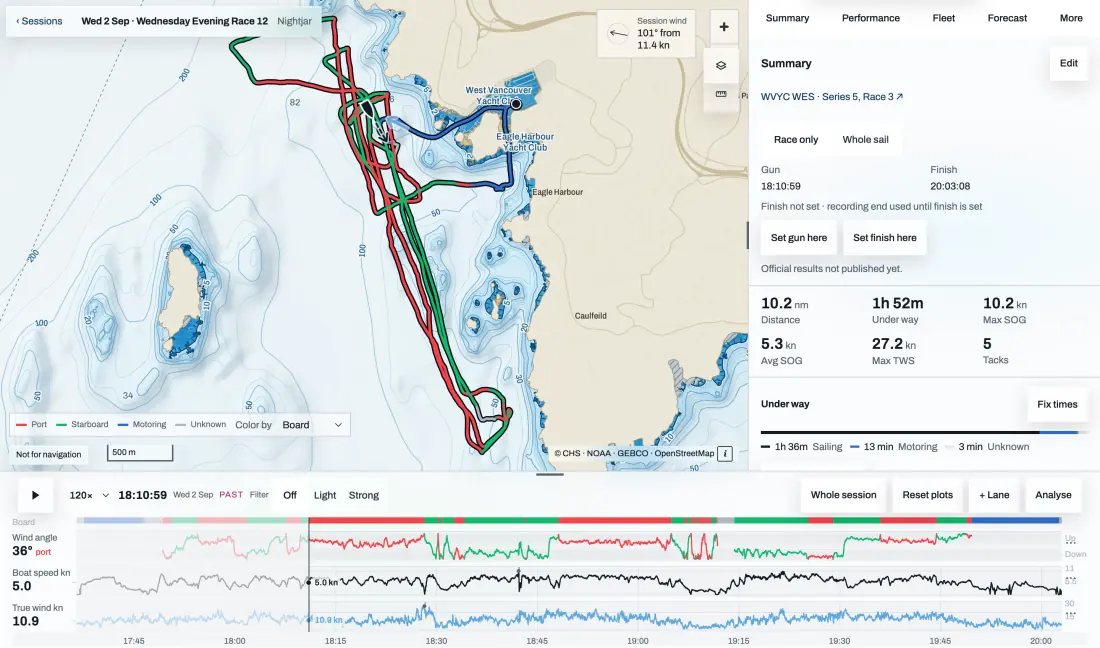
What the watch shows
One page per job. Swipe through them; the start countdown and the time stay in the top line.
A page appears once the boat sends what it needs, so a boat without tank senders never shows empty bars. These are the app’s own screens on a Forerunner 965.
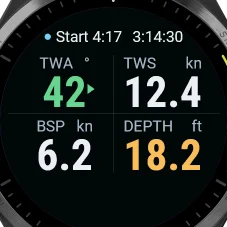
Station
True wind angle with its tack, true wind speed, boat speed and depth, big enough to read from the rail.
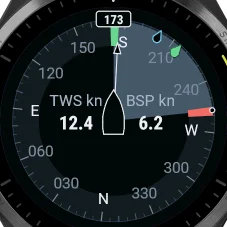
Rose
Heading and the true wind drawn round the boat, with wind and boat speed in the middle.
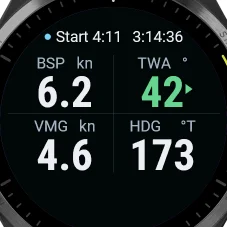
Tack
Boat speed, true wind angle, VMG and heading: the numbers for sailing to windward.
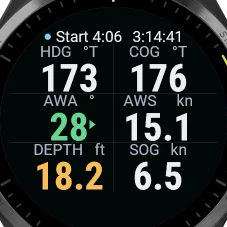
Numbers
Six readings: heading, COG, apparent wind angle and speed, depth and SOG.
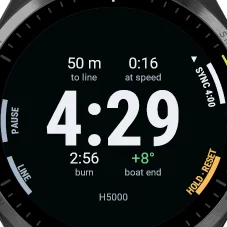
Race
The start countdown with metres to the line, the time to reach it at speed, seconds to burn and the favoured end.
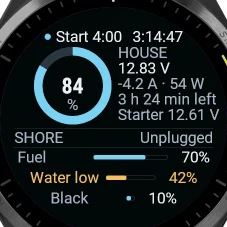
Systems
House battery charge, volts, amps and time left, shore power, and up to three tanks, with low levels marked.
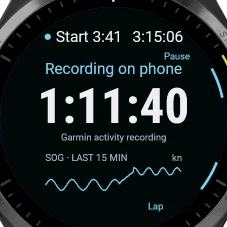
Recorder
Whether the phone is recording and for how long, with the last 15 min of SOG.
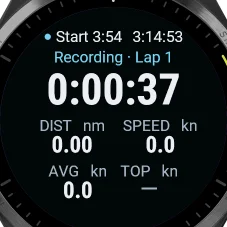
Activity
Garmin’s own activity timer, distance and speed, with laps.
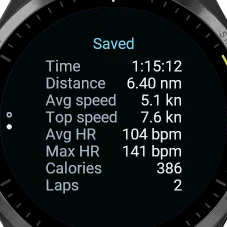
Saved
At the finish: time, distance, speeds, heart rate and laps, then the track.
One timer for the whole boat
Anyone aboard can set it, and everyone sees the same count.
With a Telltale recorder on the boat, the countdown belongs to the boat, not to one phone. The bow can sync it at the signal from the wrist while the helm watches it count, and every phone and watch on the boat Wi-Fi counts to the same gun. The watch buzzes on the minutes, the half minute, through the last ten seconds and at the gun, and while a sequence runs every page shows the count in its top line.
If the boat’s H5000 is already counting down, the watch shows its countdown and your first press takes it over.
Recording from the wrist
Start, pause and finish without the phone in your hand.
The buttons work as in Garmin’s own activities: Start pauses, with Resume, Save and Discard, and Back marks a lap. If the phone can’t start, the watch records the sail itself and hands it to the phone later. The watch buzzes once when the phone confirms a command, twice if the phone goes quiet while recording, and once long for shallow water.
References 5
B&G on a Garmin
Garmin’s own boat data comes from Garmin chartplotters. Telltale bridges a B&G system.
On a quatix, Boat Data streams fields from a compatible chartplotter; Garmin describes it as data from on-board Garmin electronics. A B&G H5000, Zeus or Vulcan has no setting to send its data to a Garmin watch.
A Telltale recorder on the boat network reads the H5000 over NMEA 2000 or its web server on the Ethernet port. The phone app picks the readings up over the boat Wi-Fi and passes them to the watch over Bluetooth. Nothing is measured on the watch except its own GPS and heart rate.
The recorder on the boat
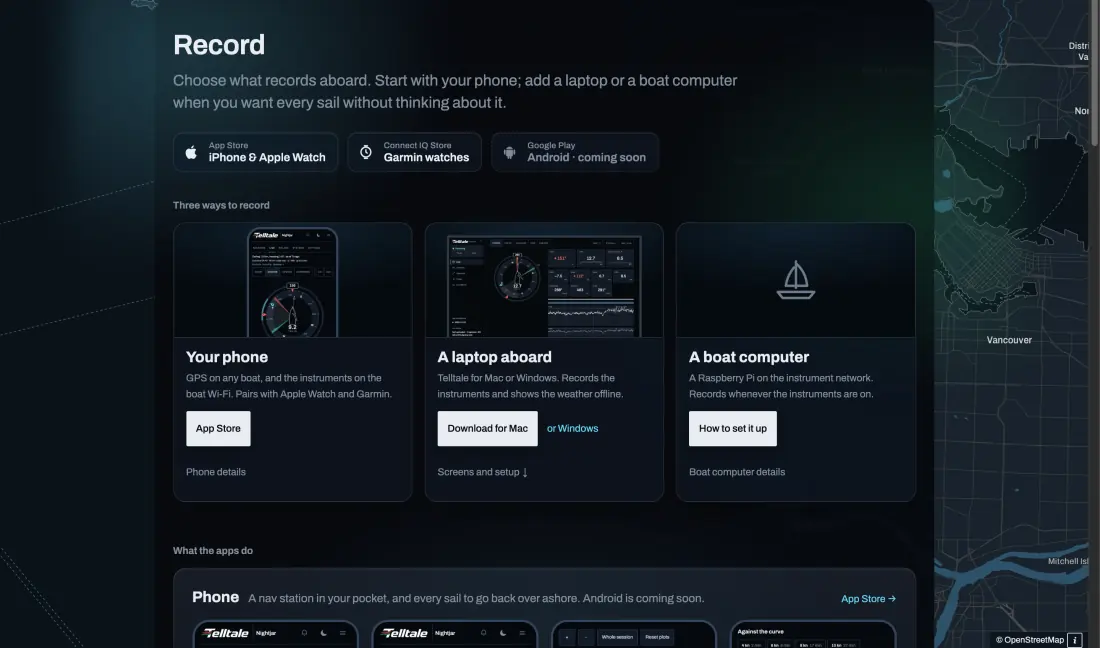
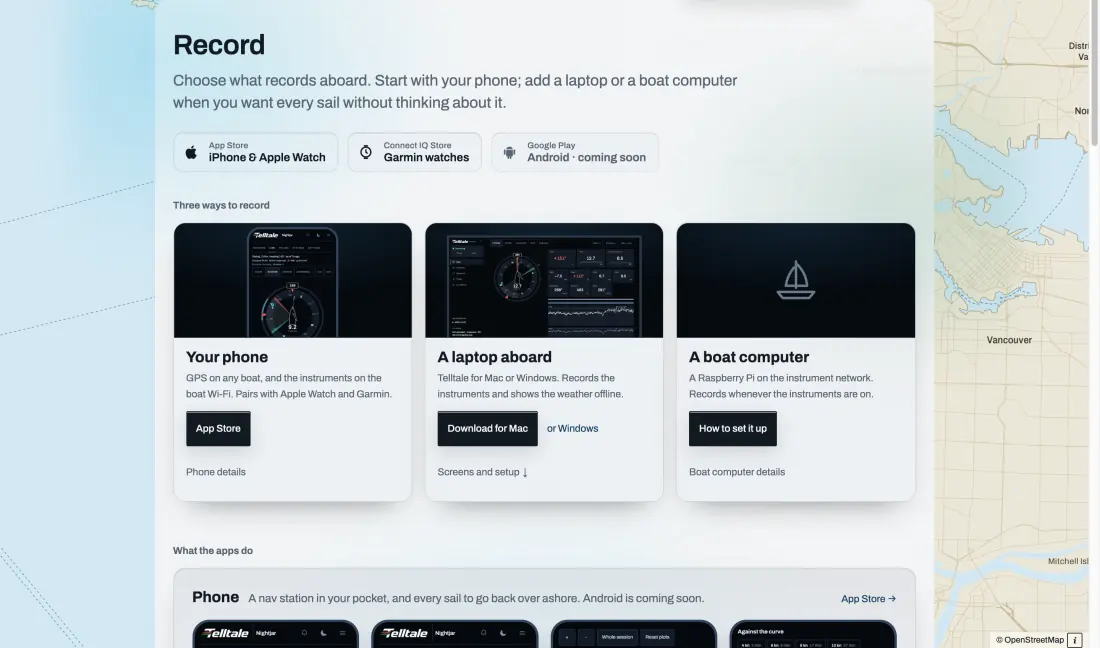
Telltale Desktop or a boat computer reads the instruments.
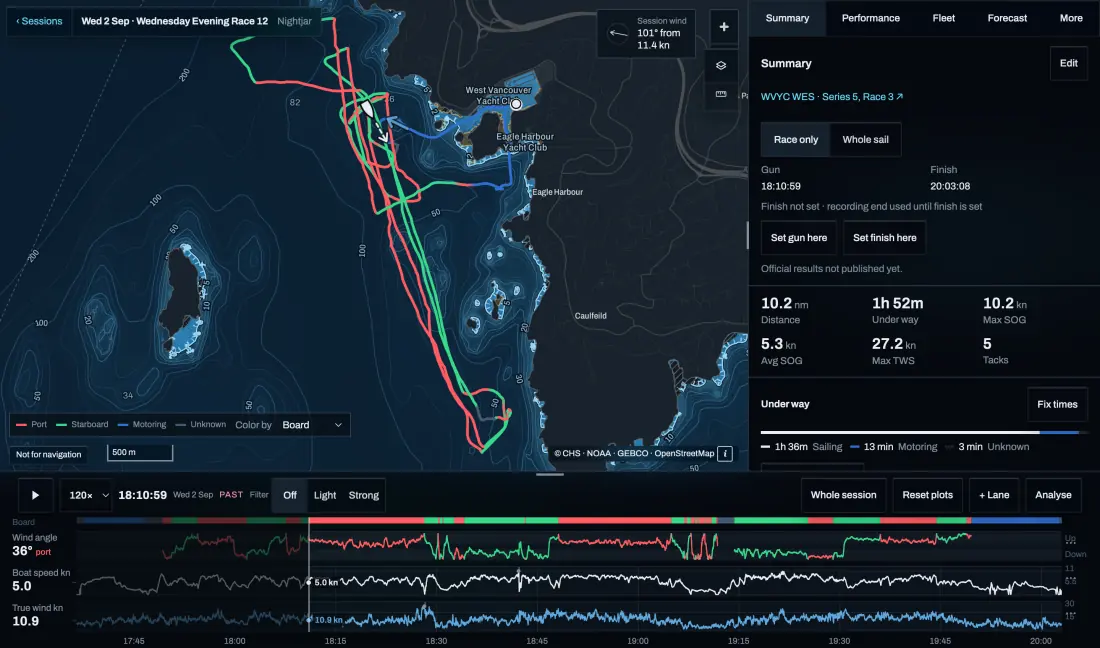
Telltale Desktop on a Mac or Windows laptop reads an H5000 or Zeus on the boat network, an NMEA 2000 gateway, NMEA 0183 or Signal K. A small boat computer does the same and records whenever the instruments are on.
References 6
On an Apple Watch
The same instruments and timer, plus the conditions ashore and heart rate.
The Telltale iPhone app also drives an Apple Watch, with the conditions at your spots before you sail, the next mark, the start line, and a heart rate page.
Troubleshooting
Most problems are one hop in the chain.
Work along the path from the instruments to the watch. Instrument data needs the recorder in reach: away from the boat Wi-Fi, the phone has nothing to pass on.
- No numbers on the phone: check the recorder is running and the phone is on the boat Wi-Fi.
- Numbers on the phone, none on the watch: check Garmin Connect says Connected, then Check connection in Recording and watches.
- Stale numbers: the instruments may be off; the watch marks old readings rather than showing them as current.
- A page is missing: the boat isn’t sending what it shows yet, for example no tank senders.
Sources and review
Official references checked on 2026-10-11. Product details and schedules change; the provider’s page is the current word.