


A forecast is a model. A station on the water's edge measures what is really blowing. Connect yours in two minutes and sailors nearby see it.
What you get
- A live page. Wind, gusts and the last 24 hours. Share the link.
- Your name on the map after three days of steady readings.
- Emails that matter. First reading, gone quiet, back again.
- Your readings stay yours. Never sold, never passed on. Stop sharing any time.
What your wind does for others
On a shore or dock, your readings pull the live wind map toward what you measure: most beside your station, less with distance, fading over a few hours. A roof or garden station gets its page and map spot but doesn't correct the forecast: a sheltered sensor would drag the bay toward its own calm.
Steps
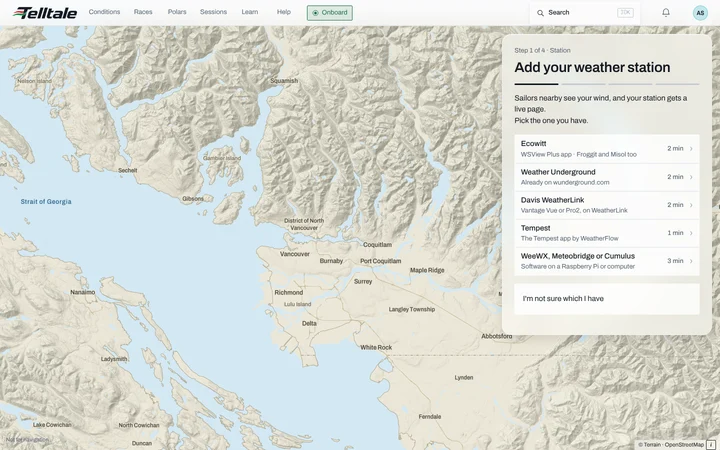
1. Pick your station
Open Add your weather station and pick the app you already use. Not sure? Most stations already send to Weather Underground: pick that.
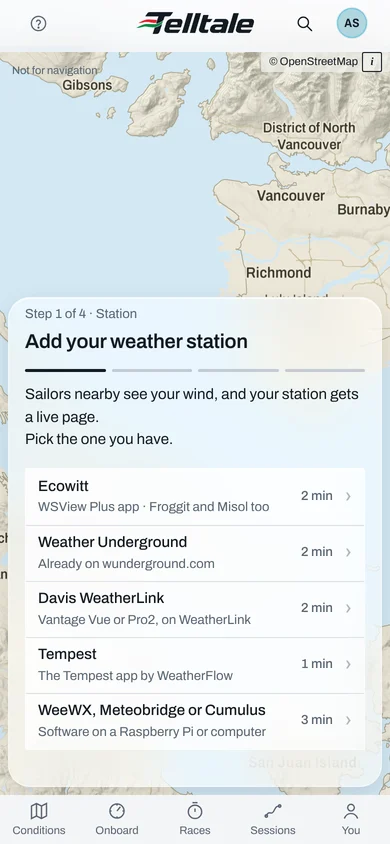
2. Connect it
| Station | What you do |
|---|---|
| Davis, Tempest, Weather Underground | Paste a read-only key from the brand's website. |
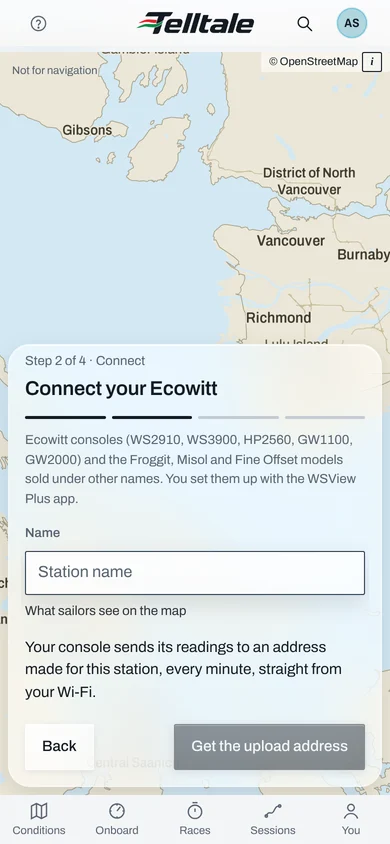
| Ecowitt, WeeWX, Meteobridge, Cumulus | Point the console at the upload address Telltale makes. |
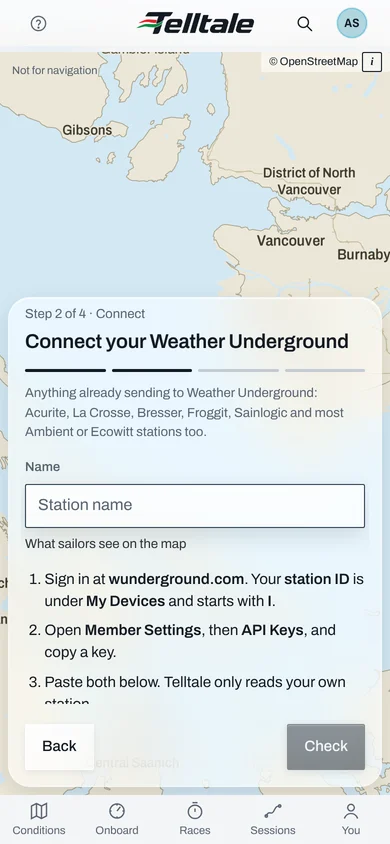
On an Ecowitt, in WSView Plus: Weather Services, Customized on, protocol Ecowitt, paste server, path and port, every 60 seconds. Your other uploads keep working.
The first reading shows up live on the page.
3. Place it
Drag the ring to where it stands, name it, and say what it's mounted on: shore, dock, roof or garden. That decides whether it corrects the forecast. Then pick Everyone (public page and the map) or Only me.
The first three days
To qualify for the public map, a station needs three days with at least 70% of the readings expected while it is on, readings on each day, and coverage for at least a quarter of the window. Set its location and mounting first, and choose Everyone. Moving it starts the clock again.