

Two paths for Calypso wind
Import a recorded sail or use the coach Preview.
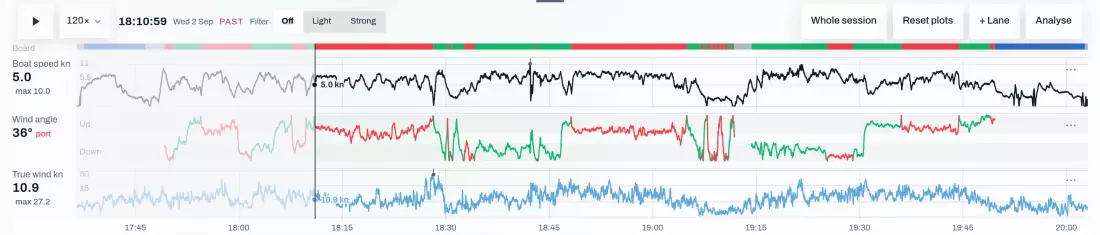
If the Vakaros Atlas recorded a Calypso wind sensor during the sail, its wind comes through when you import the Atlas log. The wind travels with the boat’s recorded track, so you can review it at the same moments as the rest of the sail. Use this path for a day already held in Vakaros Connect.
The direct link is for a coach using a Calypso Ultrasonic on the RIB. It brings the meter’s readings into the coach view over Bluetooth. Choose the workflow by where the sensor was recording: the sailing boat’s Atlas log or the coach’s direct connection.
Wind inside an Atlas log
The measured wind follows the file.
In Vakaros Connect, export the session as VKX and share it to Telltale. On a computer, open Sessions, press Import and choose the .vkx file. Choose the boat that sailed the session when asked. The imported log brings the Atlas’s recorded position, speed, heading, heel and trim, with wind when it was logged.
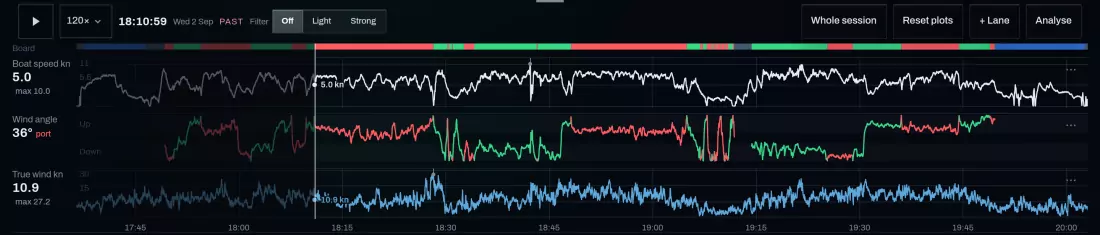
The Calypso readings in a VKX log supply apparent wind speed and angle. They sit beside the other recorded channels for the sail. You can follow the track while looking at how those readings changed, rather than trying to match a separate wind record to the boat’s movements.
Review the recorded wind
Keep the sensor reading with the sailing moment.
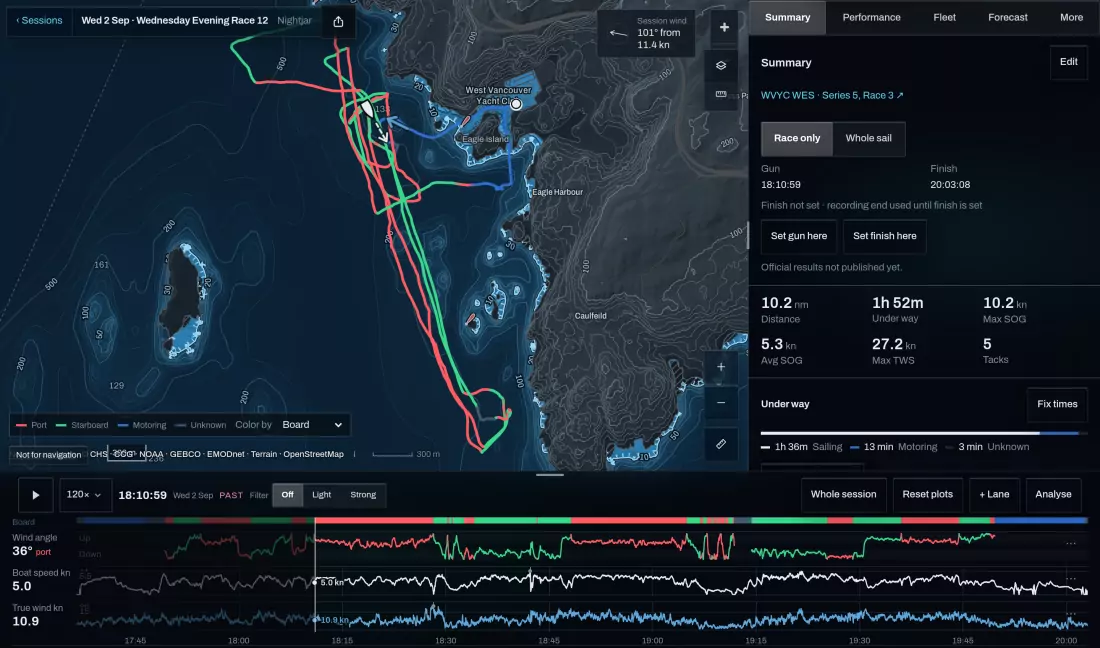
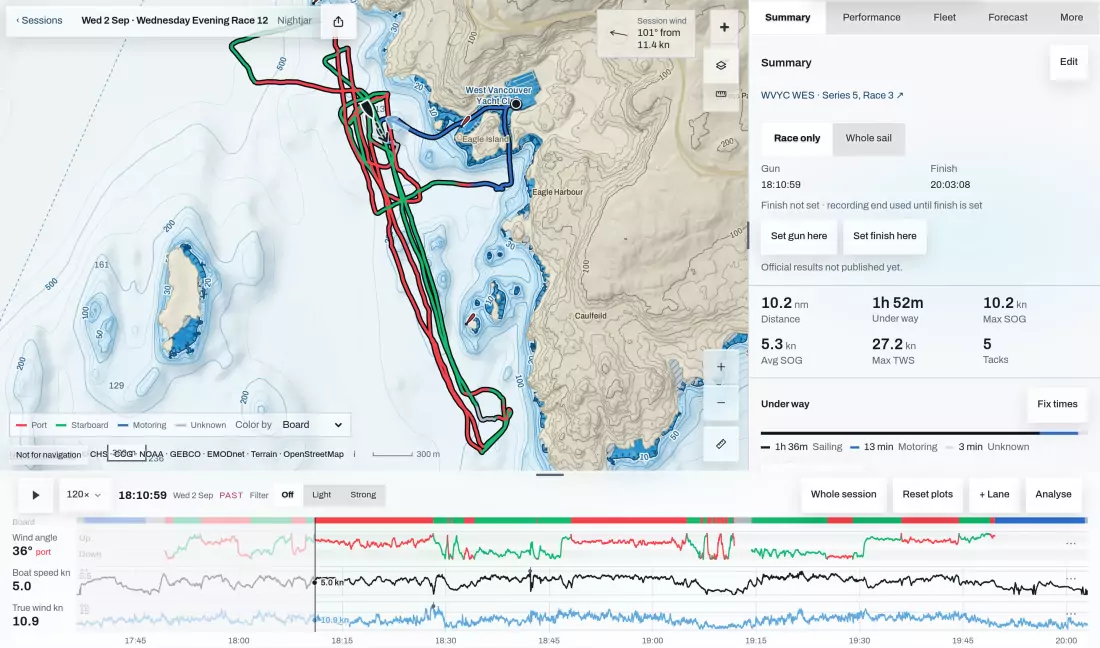
Open the imported session and use the lanes beneath the track to review its recorded channels. The useful starting point is the same time on the map and in the wind record: where the boat was, how fast it was moving and what the sensor recorded then. The Vakaros page explains the full Atlas import and review workflow.
Direct coach link: Preview — iPhone only
Connect a Calypso Ultrasonic from the wind controls.
In the Telltale iPhone app’s coach view, open the wind controls and press Connect beside Calypso. Once connected, the view can receive apparent wind speed and direction, battery level and temperature. Roll, pitch and the sensor’s magnetic compass are available when the sensor supplies them with eCompass enabled.
The link reconnects automatically until you choose Disconnect. The heading choices appear in the same wind controls, so you can set the source while looking at the wind. Keep this direct coach workflow separate from importing a sailing boat’s finished Atlas session.
Choose the heading source
True wind uses the RIB’s motion as well as the meter.
Under Heading from, choose Sensor, Phone or COG. Telltale combines apparent wind with the RIB’s GPS and heading to work out true wind. The coach wind record groups readings into ten-second intervals and provides an estimate at ten metres above the water. That height value is an estimate from the sensor reading, rather than a second measurement at the masthead.
Choose the source that matches the heading information available on the RIB. The controls also include Handheld and Set wind for entering a reading yourself. This puts the wind choices together in the coach view, whether you are using the direct connection or setting a handheld reading.
Troubleshooting
Check which path supplied the wind.
If an Atlas import has no measured wind, check whether the Atlas actually recorded the sensor. Importing a log cannot add a measurement missing from it. For the coach Preview, use the native iPhone app; a browser cannot make this Bluetooth connection. Without a heading source, true-wind direction is unavailable.
Questions
Can I bring in Calypso wind from an Atlas log?
Yes. Import the VKX log from a session in which the Atlas recorded the Calypso sensor.
Is the direct coach link available on Android?
No. The direct Calypso coach link is an iPhone-only Preview.
Does every Calypso model work with the direct link?
No. The Preview is for Calypso Ultrasonic; it does not promise compatibility with every model.
Do I need a separate Calypso file for an Atlas sail?
No. The wind recorded by the Atlas comes in with its VKX log.
Sources and review
Official references checked on 2026-11-23. Product details and schedules change; the provider’s page is the current word.