

Bring in a VTK log
A file from the sail becomes a session on the boat.
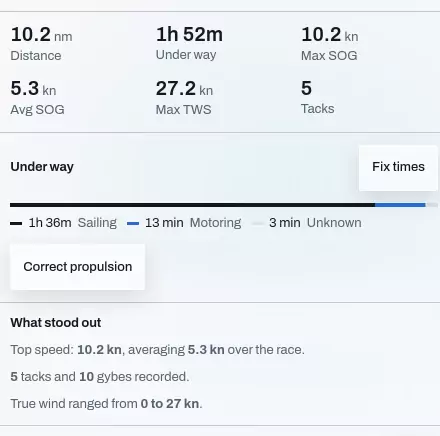
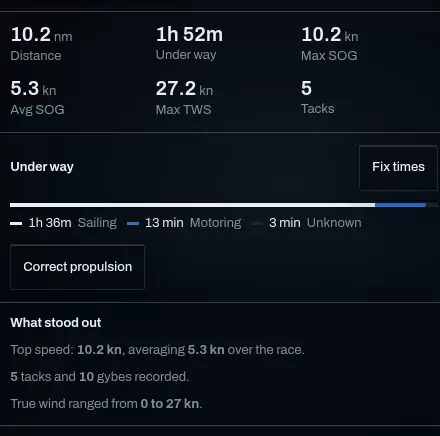
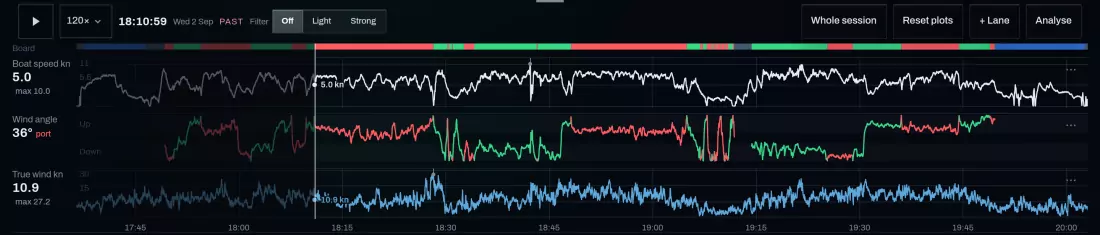
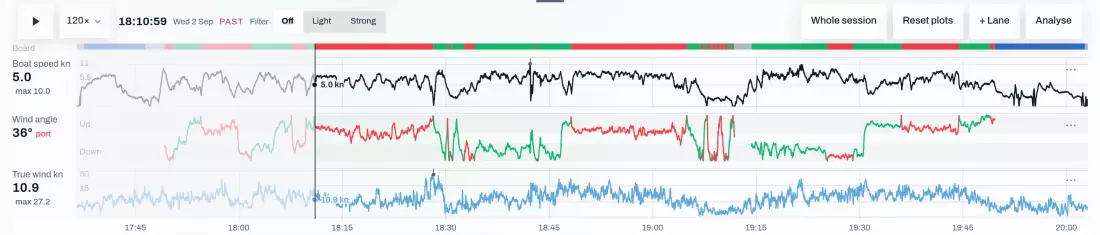
Telltale reads current-generation SpeedPuck, ProStart and Shift VTK logs. Import the file on the web, phone or Desktop. The useful record is the sail itself: where the boat went, its speed over the ground and its course over the ground, all tied to the times recorded in the log.
Choose this route for a sail already recorded on the Velocitek. You can bring it into the same boat log as other Telltale sessions and return to it for review. Start with the original .vtk file from the unit, keeping a copy so you can check the source recording later.
Get the file from the unit
Copy the log before importing.
For a ProStart or SpeedPuck that appears as a USB drive, plug it into the computer and copy the .vtk files from that drive. In Telltale’s Import sheet, Get the file → Velocitek gives these instructions. Keep the file extension intact when moving the log to the device you will use for the import.
Open Sessions, choose Import and select the log. Choose the boat that sailed it when asked. On a phone, share the file to Telltale. This is a file handoff after sailing, so you can get the log from the unit first and review it on another device.
What comes into the session
Time, position, speed and course.
The VTK log supplies timestamped positions, speed over the ground and course over the ground. Telltale also reads start-timer events and places each at the trackpoint immediately before it. Those recorded events stay tied to the track, so you can locate them in the context of the boat’s movement.
Replay the sail
Follow the track and the speed together.
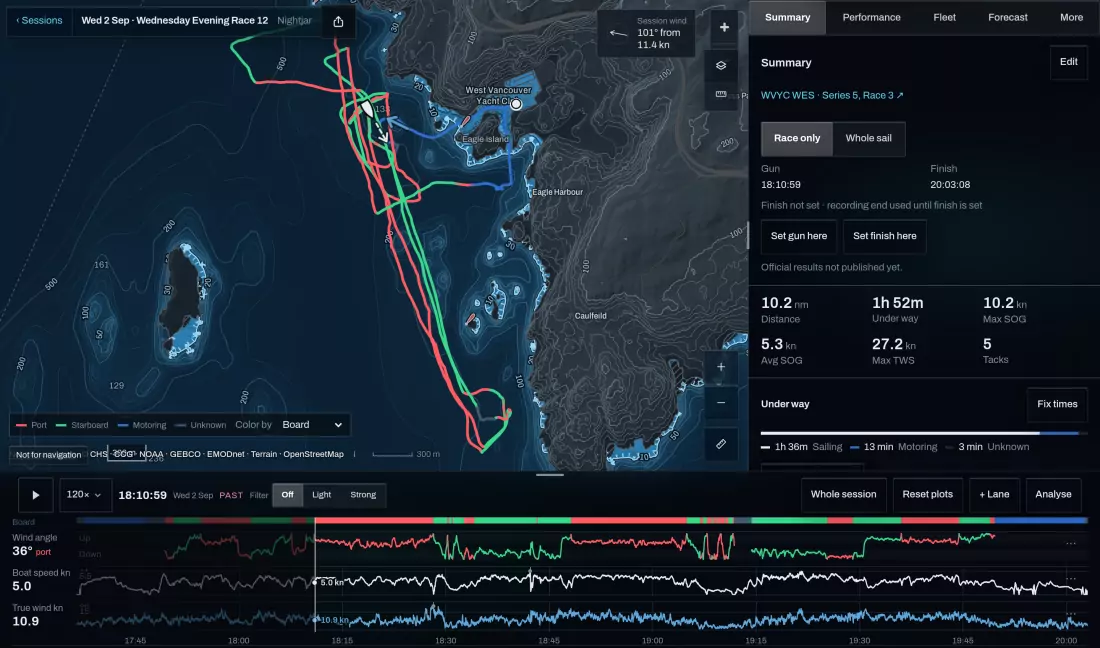
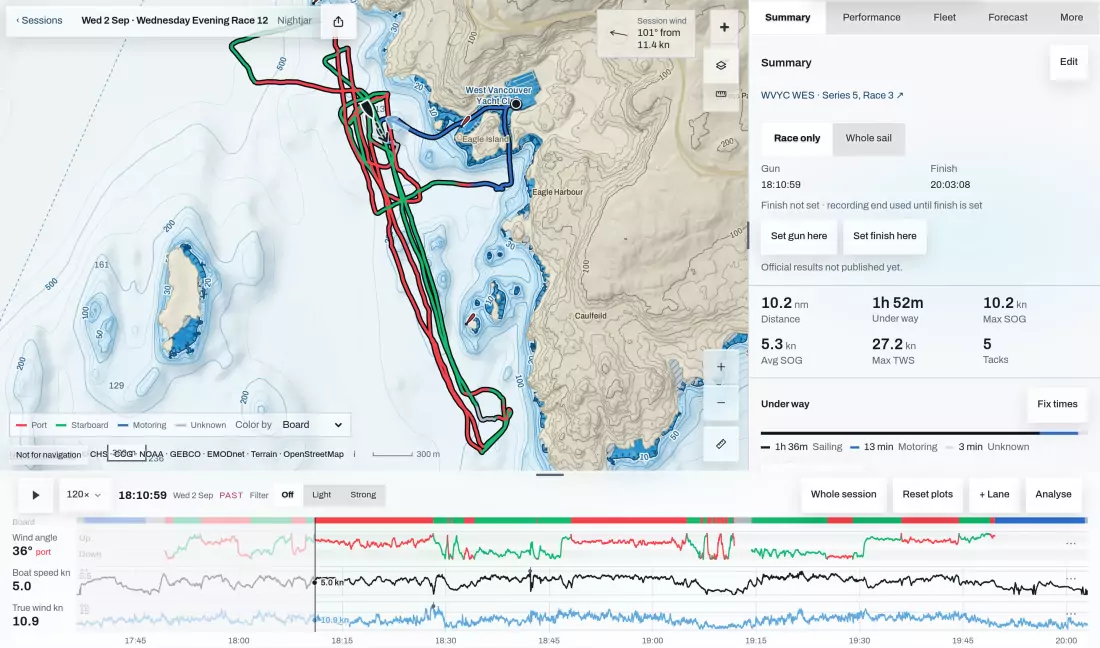
Open the imported session and find the part of the sail you want to discuss. Use the position to locate it and the recorded speed and course to follow the boat through it. The recording and review guide explains the session view if this is your first import.
Troubleshooting
Check the file type and the generation of the unit.
Older units use Velocitek Control Center to download their logs. That does not mean every older log format is accepted: this import is for .vtk files. If the file is refused, keep the original and check its format before trying again.
Orientation is not imported from VTK, so do not expect heading or heel from it. Telltale’s Velocitek workflow imports saved files; it does not provide a direct USB-device or Bluetooth connection to the unit.
Questions
Do I need to convert the VTK file?
No. Telltale reads .vtk files directly.
Can I import a Shift log?
Yes. Current-generation Shift VTK logs are supported alongside SpeedPuck and ProStart logs.
Do start-timer events come through?
Yes. Each recorded timer event is placed at the preceding trackpoint.
Can I import on a phone?
Yes. Share the .vtk file to Telltale and choose the boat when asked.
Sources and review
Official references checked on 2026-11-23. Product details and schedules change; the provider’s page is the current word.