

What works
Bring the boat’s instruments into Telltale through one live connection.
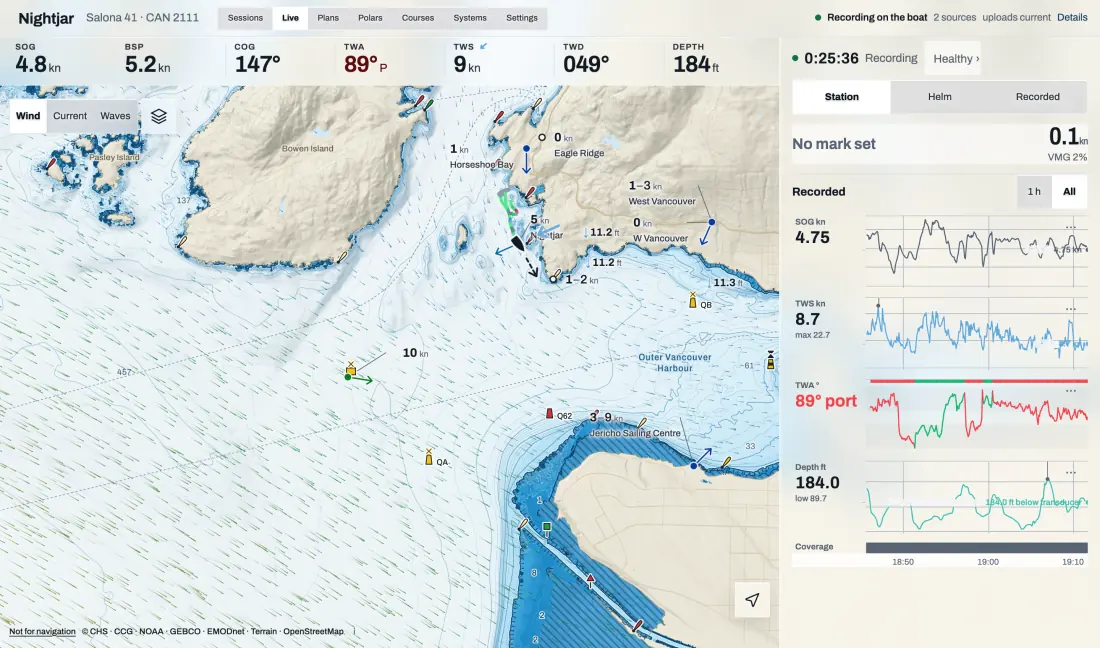
Telltale finds a Signal K server on the boat network and reads its live data. The phone apps, Desktop and Gateway all work with this connection. Use the server already gathering the boat’s instruments, rather than connecting every instrument separately to Telltale.
The connection uses port 3000 unless you specify another port. The table below groups the readings you can receive while recording aboard.
| Group | Readings |
|---|---|
| Navigation | Position, speed, heading, course and attitude |
| Wind | Apparent and true wind |
| Environment | Depth, temperature, pressure and humidity |
| Systems | Battery, tank and propulsion readings |
Position and motion
Record the boat’s position, speed, heading and attitude together.
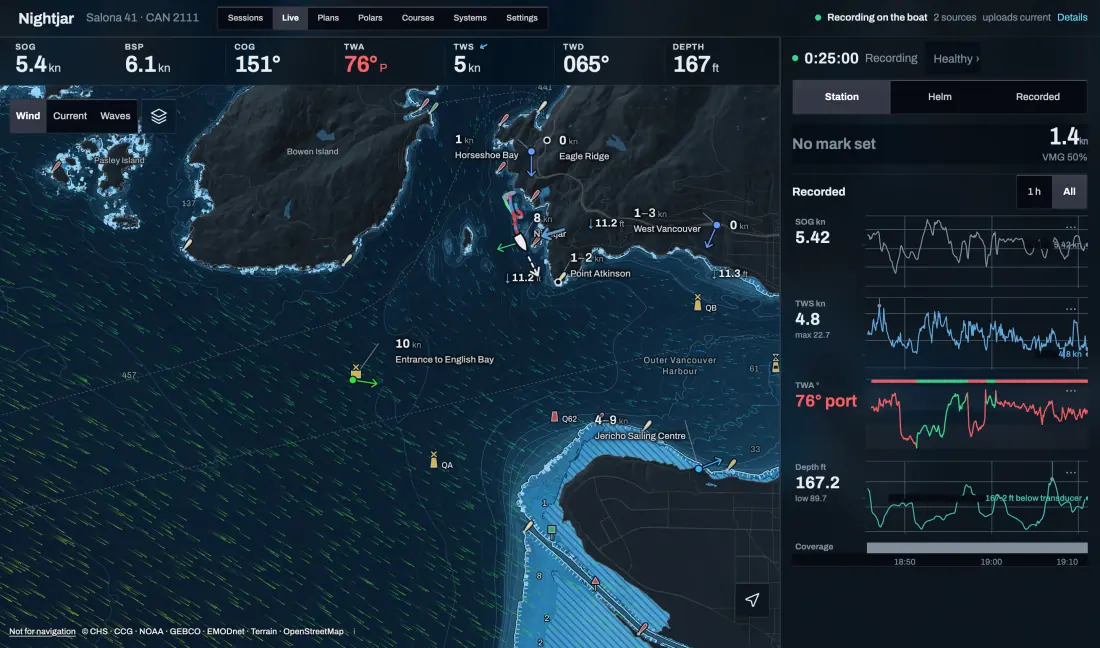
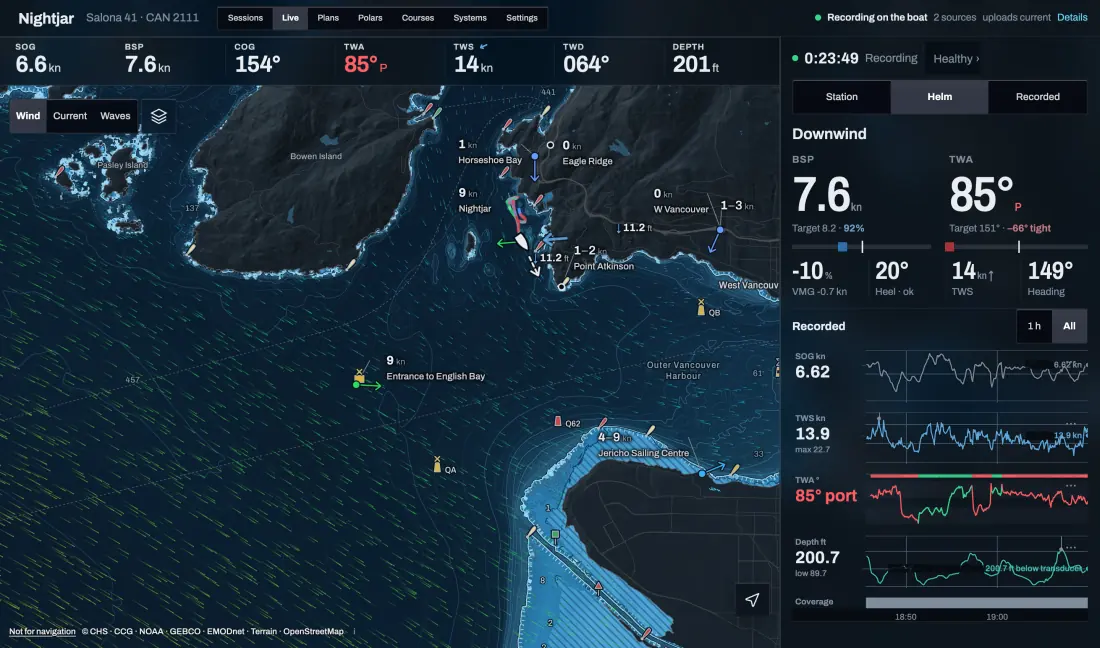
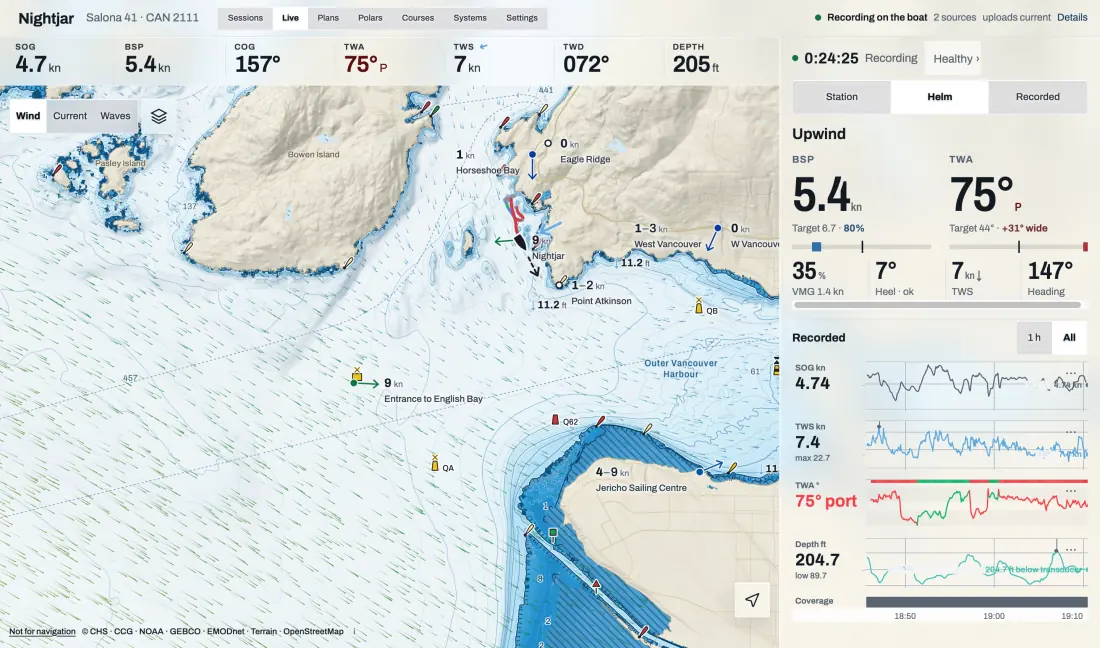
Telltale reads position and attitude, speed over ground and speed through water, heading and course over ground. It also reads GNSS data. Each measurement keeps its own meaning: heading describes where the boat points, while course over ground describes its movement over the chart.
Before recording, compare the readings you need with the server’s live output. Position, heading and water speed can come from different instruments, all reaching Telltale through the server.
Wind and depth
Keep wind and depth tied to the reference used aboard.
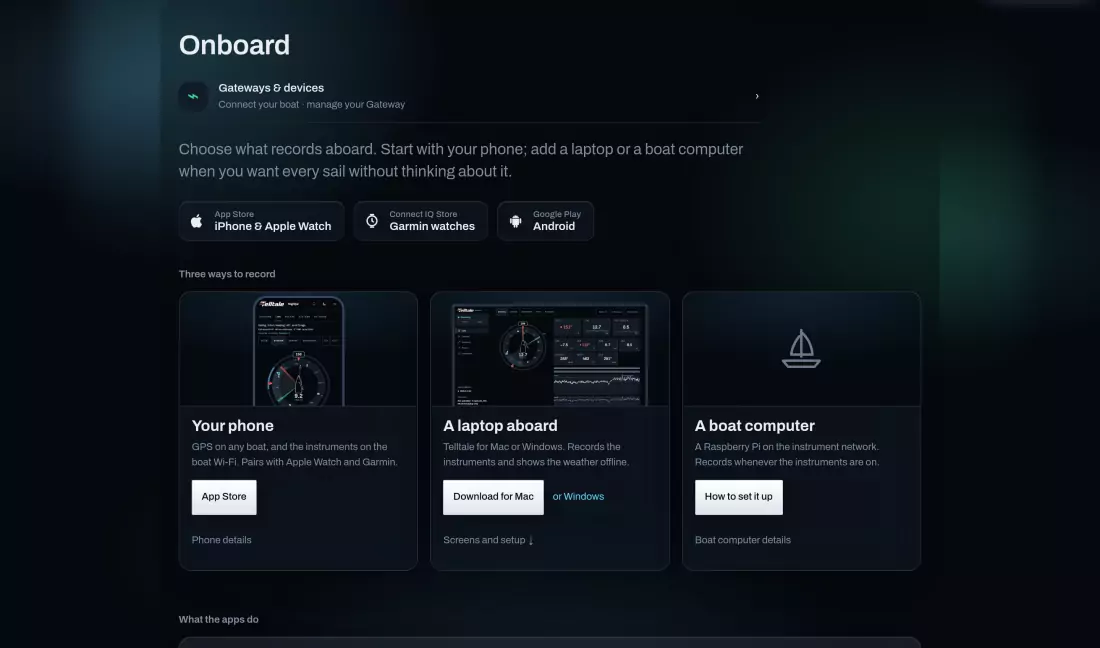
Telltale reads apparent and true wind, including true wind relative to the water or the ground. When the server supplies water-referenced true wind, Telltale uses it ahead of the ground-referenced value. The archive keeps which reading the server supplied, so its reference stays with the recording.
Depth below the transducer, below the surface and below the keel stay separate. Compare the reference with the instrument display when judging two depth readings. Telltale also reads temperatures, pressure and humidity from Signal K, bringing the boat’s environmental readings through the same connection as its sailing instruments.
Battery, tanks and propulsion
Record batteries, tanks and engines alongside the sail.
Battery readings include voltage, current, power, state of charge, time remaining and temperature. Tank readings distinguish the tank type. Engine readings include revolutions, temperatures, oil pressure, run time, fuel rate and alternator voltage.
The server’s battery, tank and engine names identify which unit a reading belongs to. With several units aboard, compare one known battery or engine first. The server’s names keep each reading associated with its source.
Choose the recorder
Choose a phone, laptop or boat computer as the recorder.
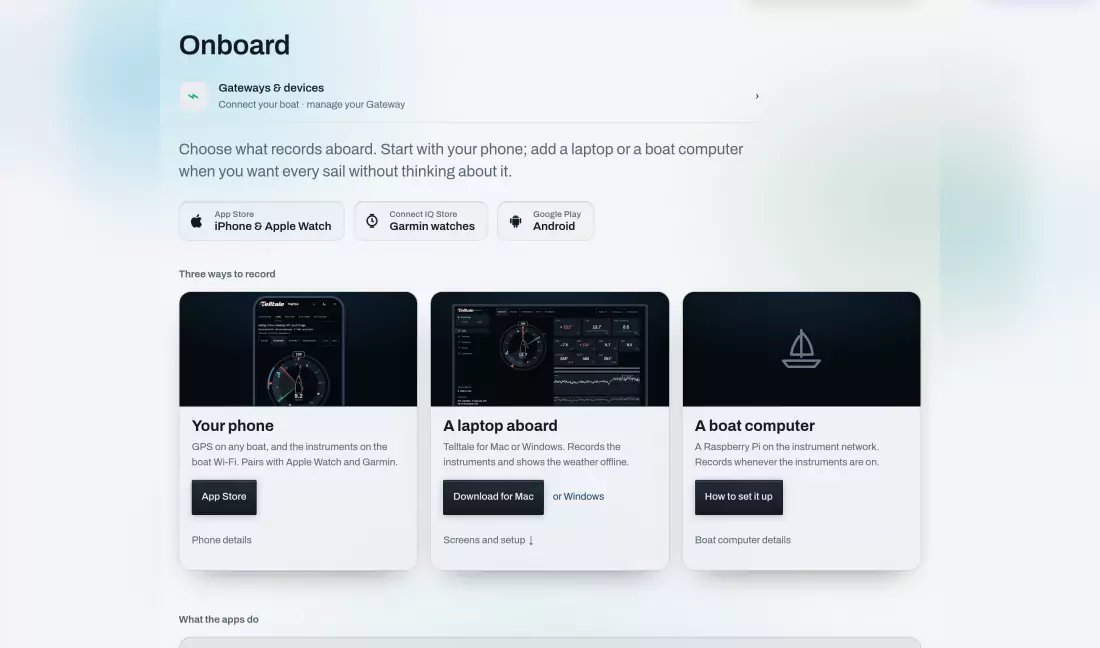
Use the phone apps when the phone is recording the sail. Telltale Desktop receives the server’s readings on a laptop aboard. Gateway is the boat-computer option. Each receives the same live source, so choose the recorder that fits how you sail and the equipment you keep aboard.
Use Look for instruments on the phone or Find instruments in Desktop. The manual’s Connect instruments chapter covers local network access, firewalls and entering a server address. Join the same boat network as the server; a guest network may separate devices even when both can reach the internet.
What the connection does
Keep the boat’s readings together in a recording.
Telltale records the boat’s own data from the server. Navigation, wind, environmental and systems readings all come through that connection. The instrument measures, the server gathers and the recorder saves the readings for the sail.
Signal K can carry extensions beyond the readings Telltale supports. A quantity needs both a value from the server and support in Telltale to appear as a reading. For a blank channel, compare that specific quantity with the server’s output; a position fix alone supplies no wind, depth or battery measurement.
Troubleshooting
Trace a missing reading from the network to its source.
If discovery finds nothing, check server power, boat Wi-Fi, local network permissions and the Desktop firewall together. Search again after correcting the connection. If asked for an address and port, use the server’s actual values; an installation may use a port other than 3000.
When asking for help, include the server address and the name of the missing reading. Say whether the server is found and whether other readings arrive. That separates a connection problem from a single missing quantity.
Questions
Do I need a Signal K server aboard?
Yes. Keep the server running on the boat network, with the instruments supplying the readings you want to record.
Does every Signal K path become a reading?
No. Telltale reads supported navigation, wind, environmental and systems data; support does not extend to every Signal K extension.
Which depth reading does Telltale use?
Telltale keeps depth below the transducer, below the surface and below the keel separate. Match the reference when comparing it with another display aboard.
Can Telltale configure my Signal K server?
No. Telltale reads the boat’s live data; use the server’s own tools for plugins, calibration, inputs and settings.
Sources and review
Official references checked on 2026-11-23. Product details and schedules change; the provider’s page is the current word.