

From Topline to your recording
Use the NKE interface already aboard.
Telltale reads the NMEA 0183 feed from a Box WiFi, part 90-60-508, or Box N2K, part 90-60-568. Both bring Topline instrument readings onto the boat’s Wi-Fi. A Processor HR or Processor Regatta provides another route over Ethernet. Choose the connection around the unit installed on the boat.
The phone records a network feed directly. Telltale Desktop on a laptop or a Gateway on a boat computer can record it too. The useful starting point is the same for each: get onto the network carrying the NKE output, then check which readings are arriving before leaving the dock.
Connect a Box WiFi or Box N2K
Join the box’s network, then open Record.
The network name is NKE-xxxxxx or nke-xxxxxx. Use the serial printed on the box as the Wi-Fi key. Telltale looks for the box’s NMEA 0183 output on port 50000. If you enter the feed yourself, use UDP port 50000; for TCP, the address is 192.168.56.1 and the port is 50000.
Use UDP when nke Display or Adrena is aboard too. It lets the apps share the instrument output while you record. Once the feed is selected, check a familiar reading against the instrument display. This checks the connection you will actually sail with, including the network and the source supplying it.
Keep the NKE performance readings
Targets and percentages can travel with the sail.
Alongside the ordinary instrument sentences, Telltale reads NKE performance records for target boat speed, optimum wind angle, polar performance and VMG performance. Those channels come from the NKE output. Keep them with the sail when you want to compare the boat’s recorded speed with the target the instruments were showing at that moment.
AIS can come through the boxes when it is wired to their NMEA 0183 input. The box connection therefore gives you a way to record the Topline instruments and that incoming AIS feed together. Check the channels present on your own installation: the connected sensors and the box’s inputs determine what reaches Telltale.
Record from a Processor
Enable its UDP output on a port the phone can use.
Processor HR and Processor Regatta use Ethernet. Their setup address is 192.168.0.232. Open the Processor’s settings and enable NMEA UDP output with ValidUdpNmeaOut set to Y. Set UdpNmeaOutPort to 10110, join the same network and record UDP port 10110 in Telltale.
This is a separate setup from joining an NKE box’s own Wi-Fi. Check which unit supplies the feed before entering an address or port. On a boat with the Processor connected through a router, the recorder needs to be on that same network to hear the output. Use the Processor settings for the output and Telltale for recording it.
Read the instruments against the track
Keep the sailing moment and its readings together.
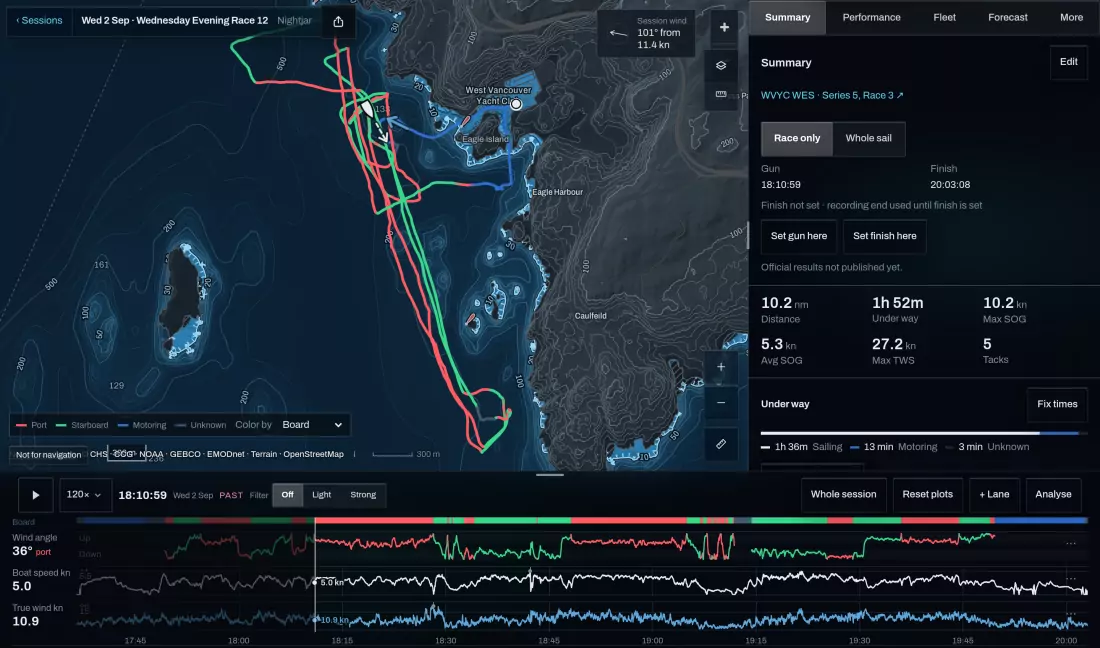
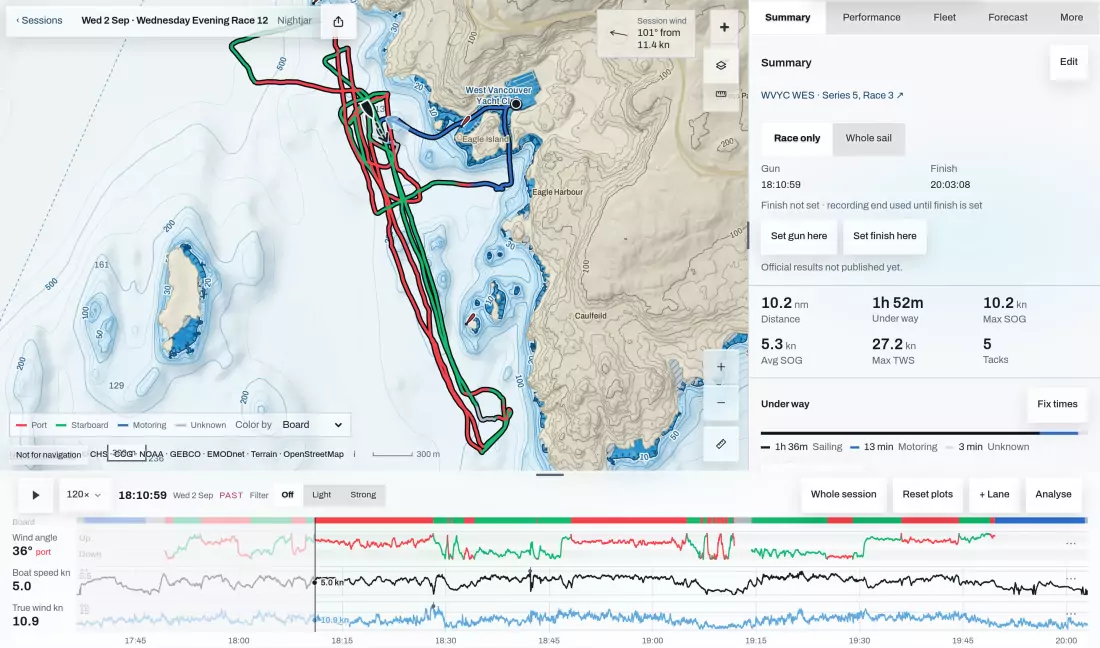
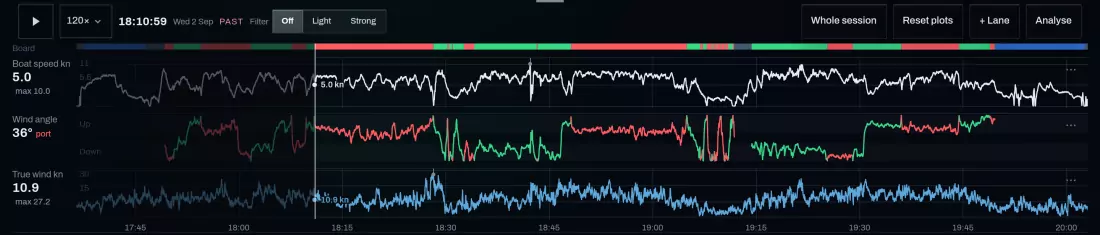
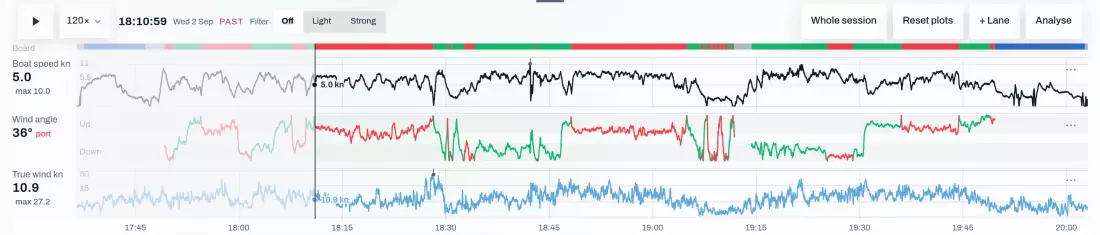
Open the recorded session to review the channels that arrived during the sail. Start with the track and speed, then look at the wind and any NKE performance readings recorded at the same time. A target percentage is most useful alongside the boat’s movement, so you can return to the part of the sail that prompted the question.
Troubleshooting
Check the output before changing the recorder.
A quiet box needs its Topline connection checked. TCP serves one app at a time, so another app may already hold it; use UDP to share the feed. A Processor’s UDP output starts disabled, and its factory port 1000 is too low for a phone to listen on: use 10110.
The NKE connection is documented and simulated in Telltale’s tests; it has not yet been tried on a real NKE system. NKE’s unverified performance record 04 is omitted.
Questions
Does Telltale connect straight to the Topline bus?
No. Use the NMEA 0183 output of a Box WiFi, Box N2K, Processor HR or Processor Regatta.
Can I record on a phone?
Yes. Join the network carrying the NKE feed and record it in Telltale.
Can I use the box with other sailing apps?
Yes. Choose UDP when sharing its output with nke Display or Adrena.
Do NKE performance readings come through?
Yes. Supported target speed, optimum angle, polar performance and VMG performance records come through when supplied.
Sources and review
Official references checked on 2026-11-23. Product details and schedules change; the provider’s page is the current word.