

Record the feed already aboard
AIT3000 GPS and AIS, or instruments through a gateway.
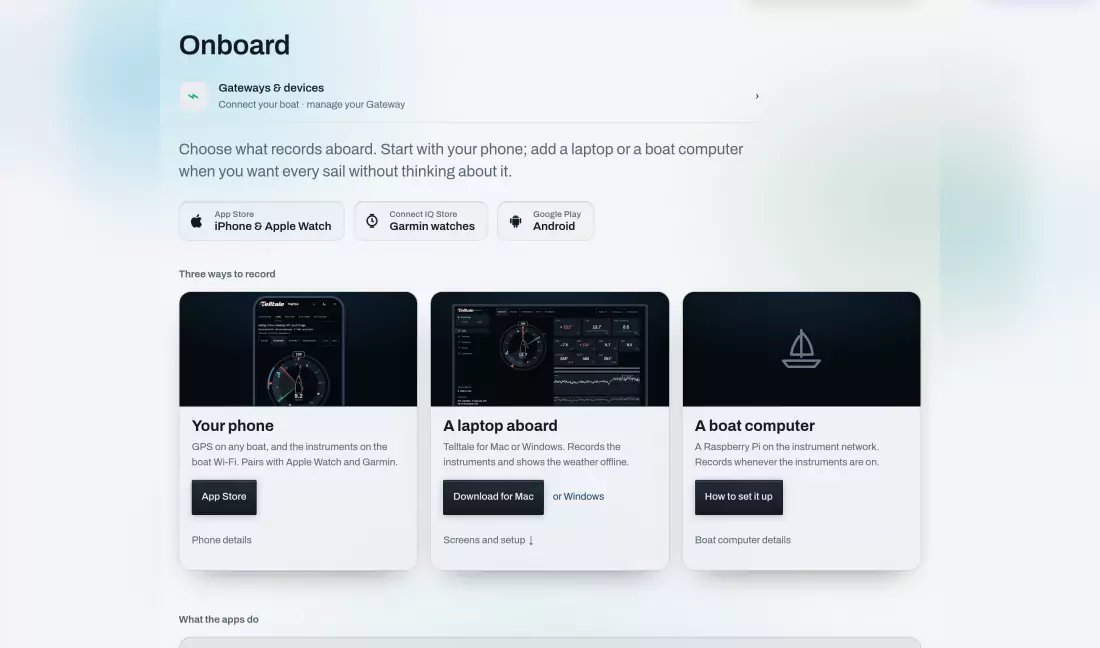
Telltale records the AIT3000’s NMEA 0183 Wi-Fi feed on iPhone, iPad and Android. The feed carries the transponder’s GPS position, course and speed, plus the AIS targets it hears. A laptop running Telltale Desktop or a boat computer running Gateway can also record a network feed.
For NMEA 2000, Telltale reads the receive-message format used by Digital Yacht iKonvert and NAVLink. That is a different route to the instruments from the AIT3000 setup below. Start with the product fitted to the boat, then choose its matching output when connecting the recorder.
Join the AIT3000’s Wi-Fi
Keep the connection even though it has no internet.
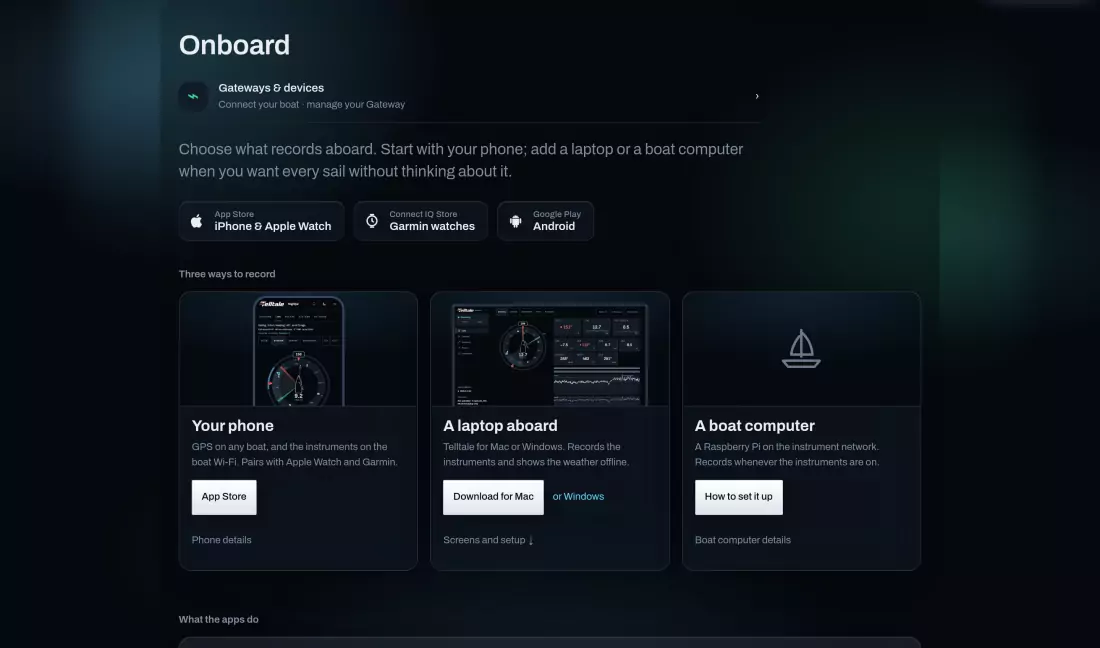
Power on the transponder and join its network in the phone or tablet’s Wi-Fi settings. The network name and password are in the AIT3000 manual. A notice saying there is no internet is expected on this network. Stay connected so the phone can receive the boat’s data while recording.
In Telltale, open Record and pick the boat. Under its sources, choose Add an AIS or NMEA 0183 feed. Select TCP, enter 192.168.1.1 for the gateway address and 2000 for the port, then press Use this feed. These are the AIT3000 connection details; use the settings for your own gateway when connecting a different product.
Keep the GPS and AIS together
The boat’s own transponder supplies the track.
The AIT3000 feed gives Telltale a position for the boat and its speed and course over the ground. Those readings provide the track for the sail. The AIS targets arrive through the same feed, so the recording can keep what the boat’s receiver heard alongside the boat’s own movement.
Check the position and speed before starting the recording. This is especially useful when the tablet aboard has no GPS of its own: the position is coming from the transponder. The connection is over the boat’s local Wi-Fi, so the first check is whether the tablet is still joined to the AIT3000 network.
Bring instruments through iKonvert or NAVLink
Use the NMEA 2000 receive feed.
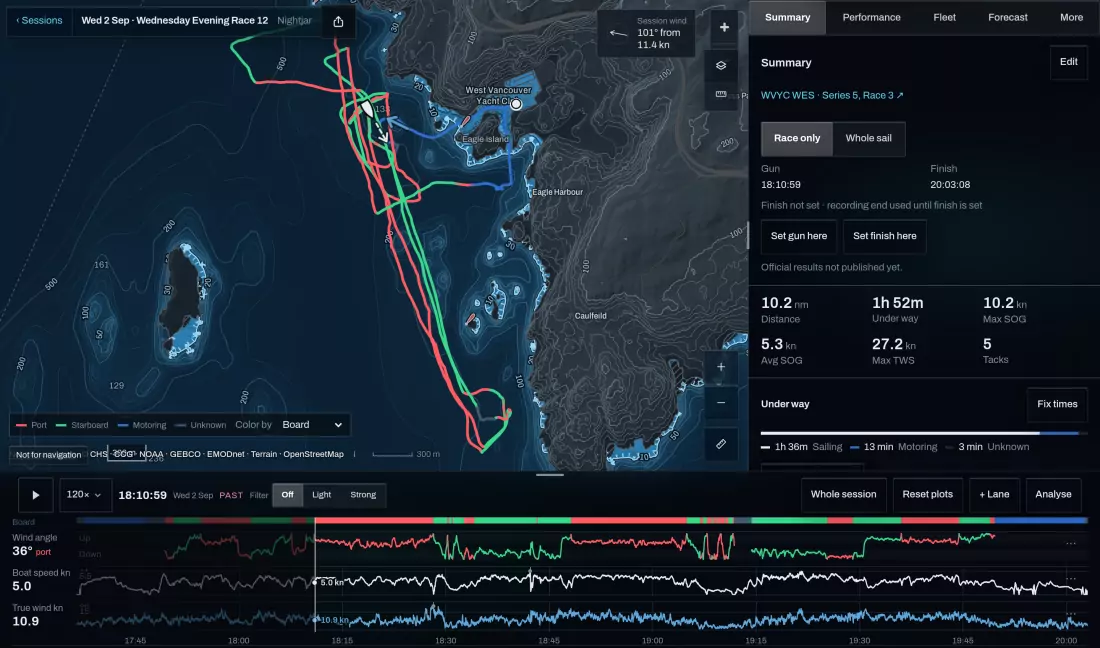
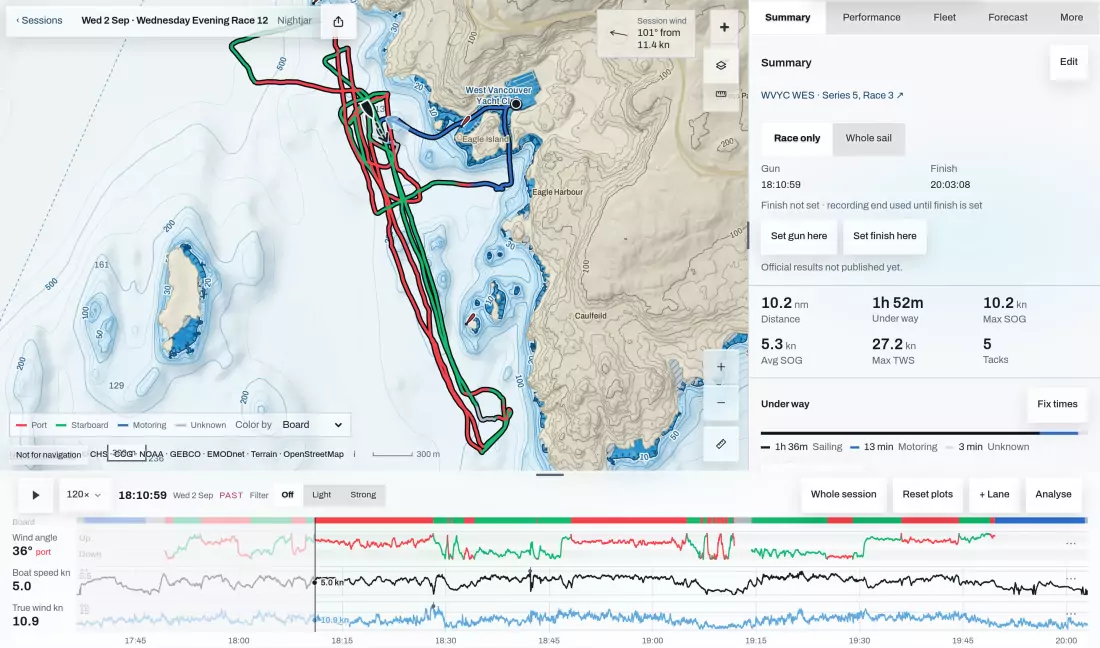
Telltale reads Digital Yacht receive messages carrying NMEA 2000 instrument data. Supported channels include heading, heel and pitch, speed through the water, depth, GPS, wind and temperature, with AIS when supplied. Which readings appear depends on the instruments connected to the backbone and the messages reaching the gateway.
Choose this path when the aim is to record the backbone’s instruments. Compare it with the AIT3000 path according to the data aboard: GPS and AIS from the transponder, or supported instrument channels through the NMEA 2000 gateway. In each case, check the readings actually arriving before expecting them in the finished session.
Replay what the boat recorded
Return to a moment with its track and readings.
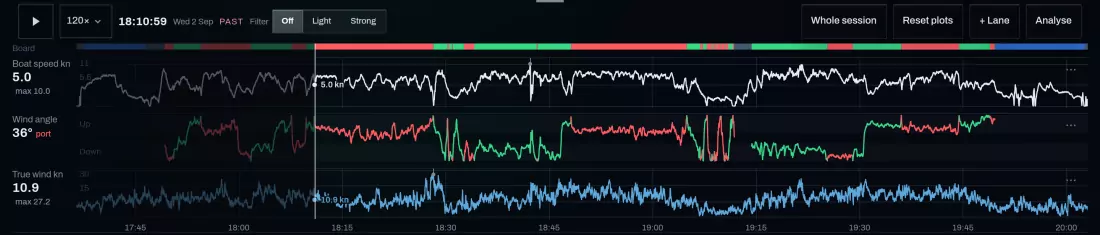
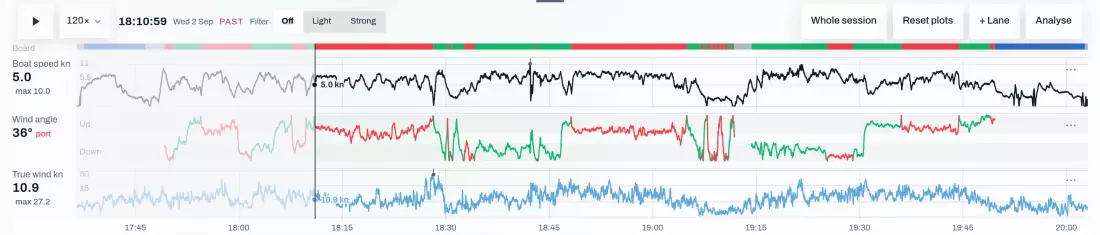
Open the finished session to review the recording. With the AIT3000, start with where the boat went and its speed over the ground. With a NMEA 2000 instrument feed, add the recorded wind, heading or other supported channels to that review. Keep the question tied to the readings captured on this sail.
A useful first pass is to find the part of the track you want to discuss, then follow the speed and any other recorded channels through it. This keeps the review grounded in the same time and place. The recording and review guide covers the rest of the session workflow.
Troubleshooting
Check who is using TCP and which network is joined.
The AIT3000’s TCP connection serves one device at a time. Close another app’s connection before trying Telltale. If Android does not receive the feed, try turning off mobile data while recording. Stay on the AIT3000 Wi-Fi when the phone asks whether to keep a network without internet.
For iKonvert or NAVLink, use the supported receive output. Transmit requests and status messages do not supply instrument readings. The connections here record data; they do not provide gateway configuration or instrument controls.
Questions
Can I use an iPad with the AIT3000?
Yes. Telltale records its GPS and AIS feed on iPad as well as iPhone and Android.
Does the AIT3000 provide position to Telltale?
Yes. Its feed includes GPS position, speed and course over the ground.
Can Desktop record a network feed too?
Yes. Telltale Desktop and Gateway can record supported network feeds on a laptop or boat computer.
Can wind come through a Digital Yacht NMEA 2000 feed?
Yes. Supported wind messages come through when the connected instruments and gateway supply them.
Sources and review
Official references checked on 2026-11-23. Product details and schedules change; the provider’s page is the current word.