

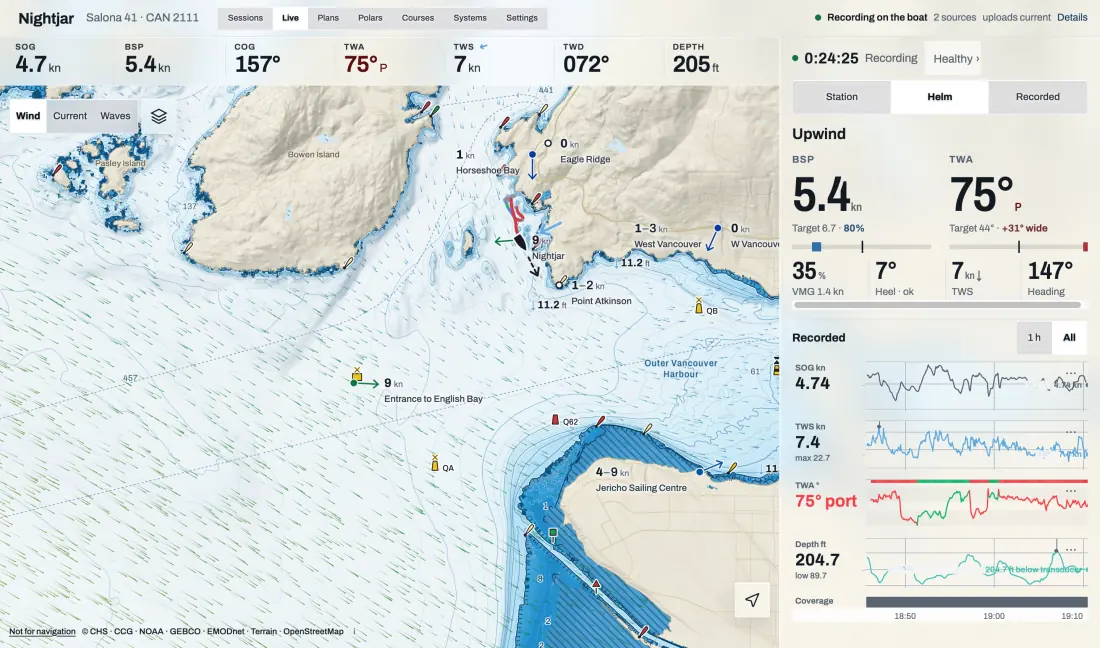
What works
Record live from an H5000 or Zeus, or replay a saved plotter track.
Connect an H5000 CPU or Zeus to Telltale on the boat network. The phone apps, Desktop and Gateway can all receive its live readings. H5000 and Zeus use the same connection, and a Zeus2 was among the units found in the boat-network survey.
Import a .usr track from Zeus or Vulcan for the boat’s timed trail.
| Equipment | Connection | Data |
|---|---|---|
| H5000 CPU | Boat network | Live instrument readings |
| Zeus | Boat network | Live readings or past tracks |
| Zeus and Vulcan | USR file | Timed position and recorded SOG |
| Simrad NSS and NSO | USR file | Timed plotter trails |
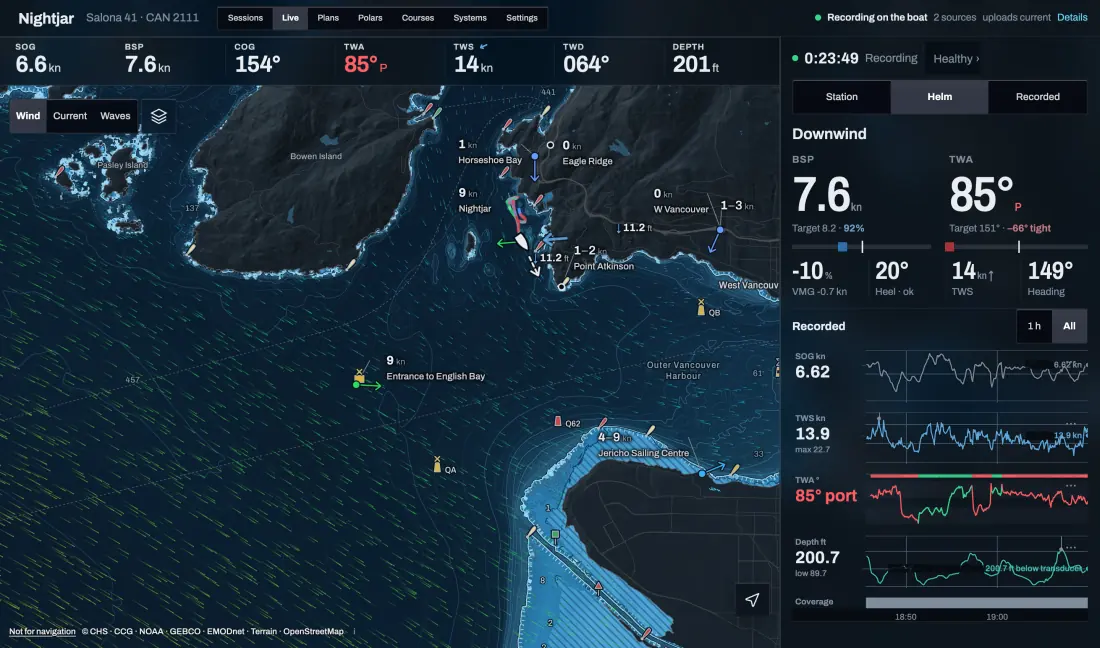
What comes through
Record wind and motion live, or review position and speed from a track.
The live connection brings in heading, boat speed and speed through water, apparent and true wind, heel, pitch and yaw. It also reads the rates of those movements, rudder, leeway, speed and course over ground, position and the race timer. These readings come from the instruments supplying the H5000 or Zeus.
A .usr trail brings in timed positions and recorded speed over ground. Telltale can fill in motion from the track where needed. A saved trail lets you review the sail without live wind, heel or heading.
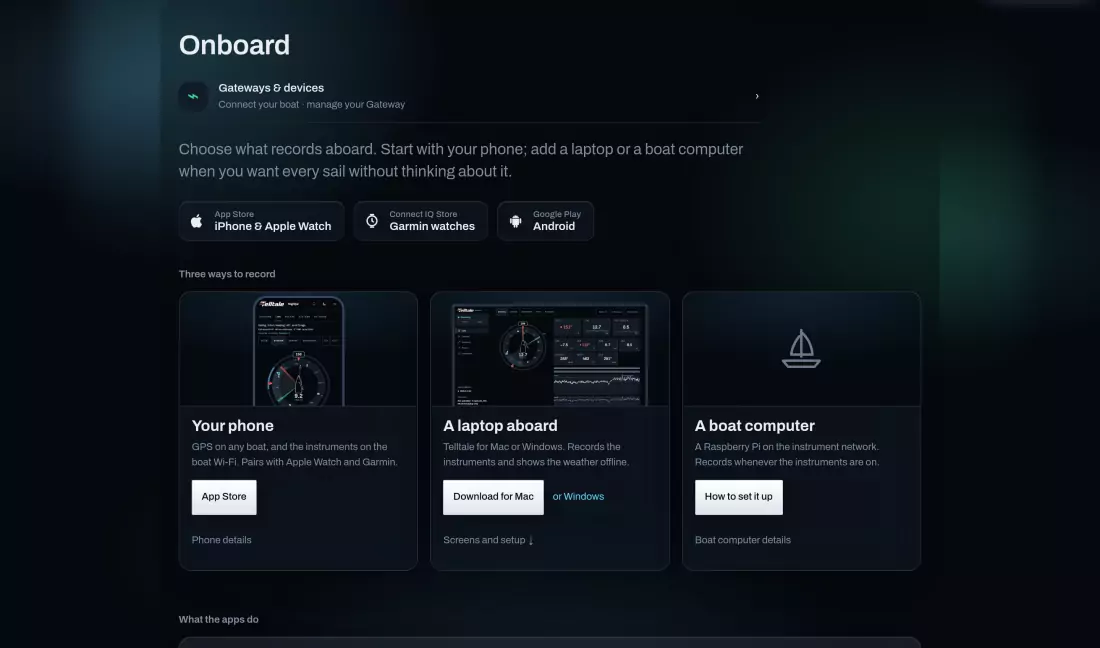
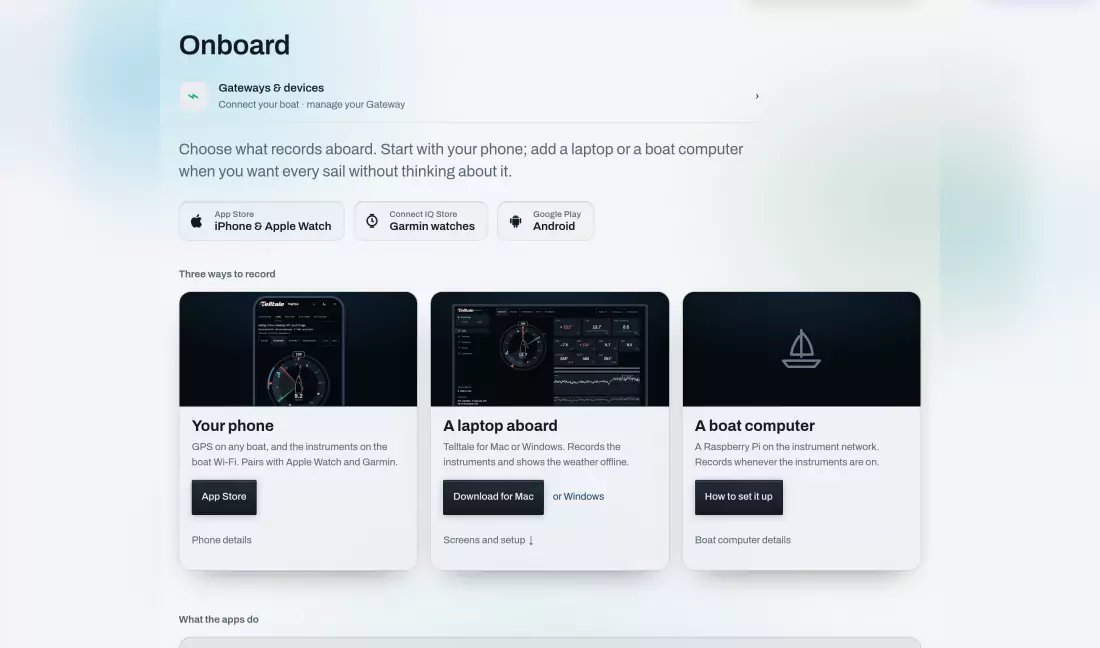
Connect on the boat network
Use the boat’s existing network to bring instruments into Telltale.
Power the instruments, join their network and allow local network access on the phone. Use Look for instruments on the phone or Find instruments in Desktop. Enter the address and port if asked. Before recording, check that the readings you want are arriving.
Telltale uses the instrument’s units. Choose a phone, Desktop or Gateway as the recorder and join the instruments’ network.
Import a plotter track
Bring a saved sail into Telltale with its original times.
Open Import, then Get the file → B&G · Simrad. Put a card in the plotter, open Storage → Waypoints → Export all, then pick User Data File version 6. On Zeus2, use Tools → Files. Bring the exported .usr file to Choose files to import the trail.
On the boat’s Wi-Fi, the import sheet can show B&G Zeus with Import past tracks. This brings saved trails straight from the plotter and skips days already imported. Carry the card export home when needed.
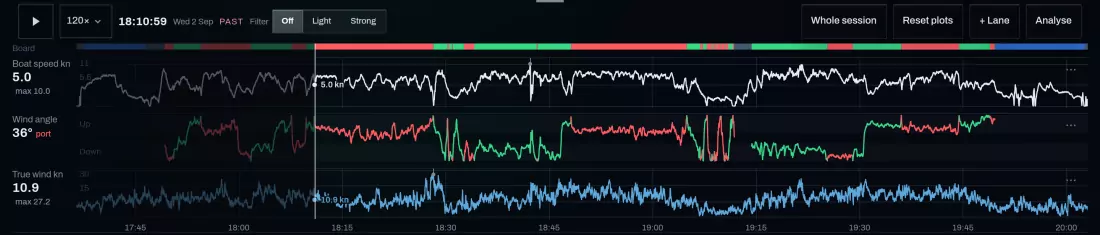
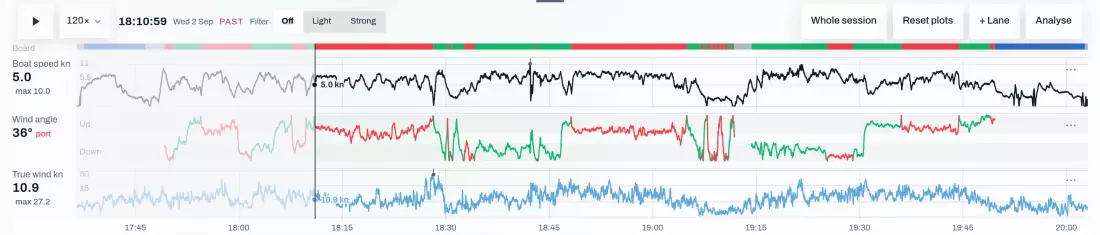
Simrad plotter import
Bring NSS and NSO trails through the same import steps.
Simrad NSS and NSO .usr files import on the web, phone or Desktop. Open Get the file → B&G · Simrad for the export instructions, then bring the file to Choose files. Telltale reads the trails and skips routes and waypoints; a planned route alone has no timed sail to replay.
Keep the original export if you need help with an import. Include its format version: the .usr extension alone does not identify it.
Recording limits
Timed exports preserve when the boat reached each point.
Telltale accepts .usr versions 4 through 6. Versions 2 and 3 have no point timestamps and are refused. Re-export in version 6 so the track keeps its times. Extra values saved in a trail do not add the full set of live instrument channels to the import.
Live update rates vary by reading and connection. Every channel need not arrive at 10 Hz: the recording follows the rate the source supplies.
Troubleshooting
Find whether a gap starts at the network or the plotter export.
If no instrument appears, check power, Wi-Fi, local network permissions and the computer firewall together, then search again. A guest Wi-Fi network may keep devices apart. If the source appears without readings, its data output settings may need attention; use the instrument’s manual for those settings.
For a refused file, re-export a timed trail in version 6. Keep the original export when asking for help. Use instrument help for connections, and include the file for import questions.
Questions
Can I connect a Vulcan live?
No. Telltale supports Vulcan through timed .usr track imports; live support is for H5000 and Zeus.
Does a .usr file include all the instruments?
No. A .usr trail supplies timed position and recorded SOG, with motion filled from the track where needed; live wind, heel and heading are separate.
Does Telltale change B&G settings?
No. Telltale only reads; it never changes instrument settings, calibrates the system or steers the autopilot.
Can I bring in Simrad tracks?
Yes. Import timed NSS or NSO trails in .usr version 4, 5 or 6; live Simrad support is not established by this file connection.
Sources and review
Official references checked on 2026-11-23. Product details and schedules change; the provider’s page is the current word.