

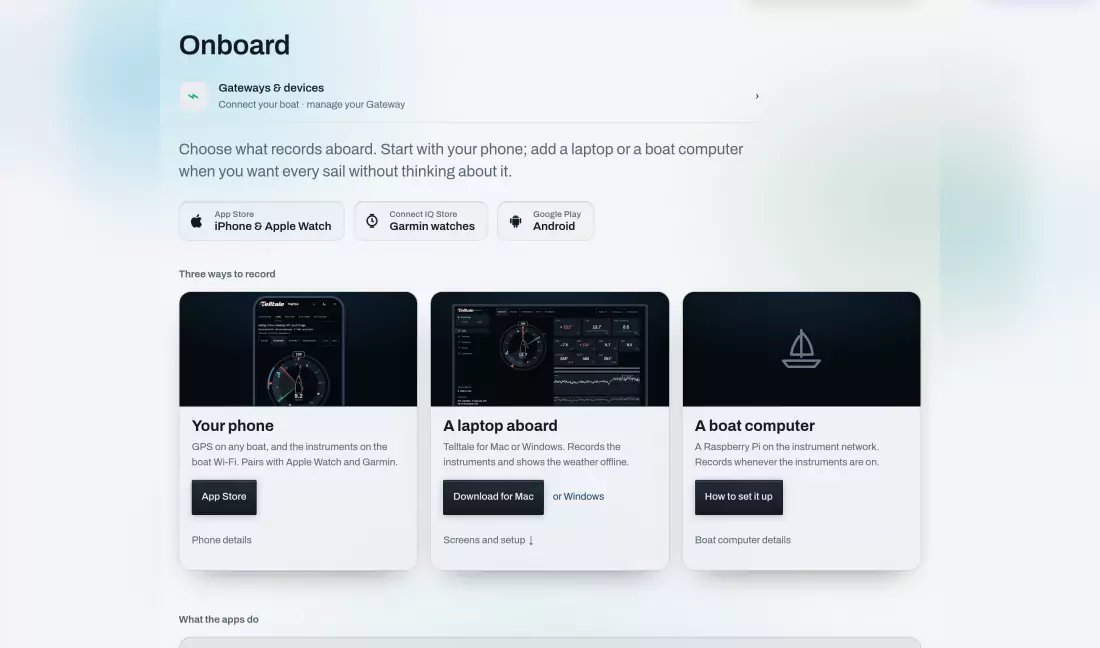
Two ways off the backbone
Choose USB or a network feed.
Telltale reads Actisense NGT-1 and NGX-1 USB gateways on a laptop or boat computer. It also reads the N2K ASCII network output used by the W2K-1 family. Both paths carry NMEA 2000 readings from the boat’s backbone into a recording. Choose the one that matches the gateway and recorder already aboard.
With USB, run Telltale Desktop or a Gateway beside the instruments. With Wi-Fi, a phone can record the network feed directly, and Desktop or Gateway can use it too. The choice is where the recording happens: at the computer plugged into the gateway, or on a device connected to its network.
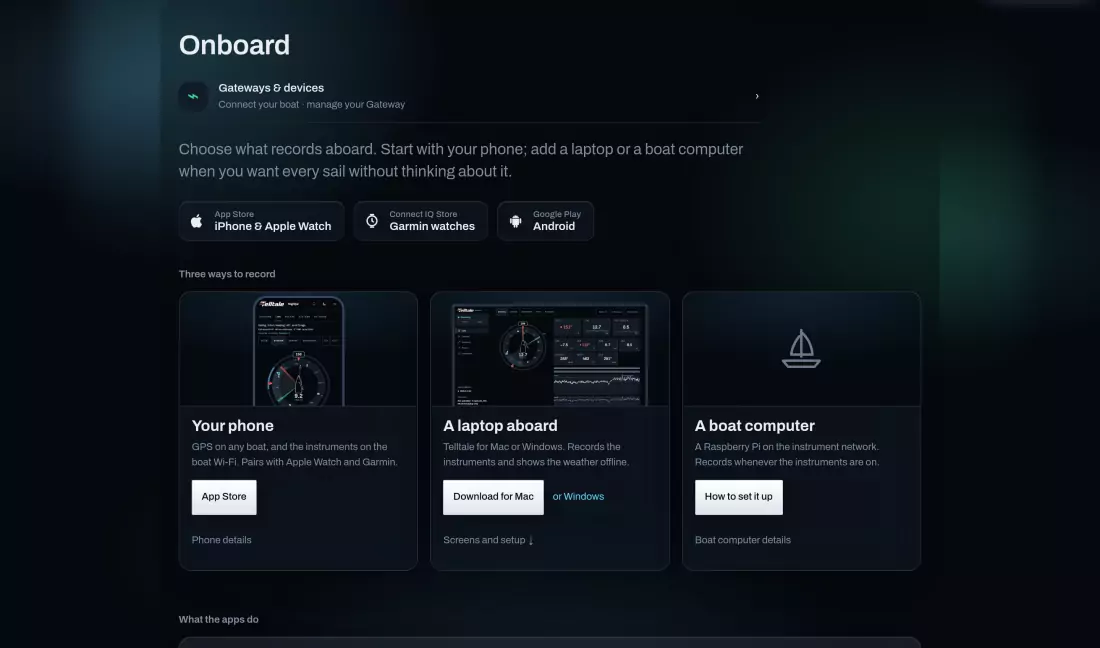
Plug the gateway into the recorder
Find instruments checks the USB connection.
Connect the NGT-1 or NGX-1 USB gateway to the laptop or boat computer, then use Find instruments. Telltale listens to the computer’s serial ports as well as its network and identifies the instrument feed it hears. Check the reported readings before linking the recorder to the boat.
Choose Link to telltaleapp.ca, sign in and pick the boat. Keep a laptop on power and awake while it records; closing its lid can stop the recording. This suits a boat where the computer can stay connected to the backbone and keep the instrument log together throughout the sail.
Use a W2K-1 over Wi-Fi
Set the data server to N2K ASCII.
Join the gateway’s Wi-Fi on the device that will record. In the Actisense gateway settings, select N2K ASCII for the data server supplying Telltale. Open the instrument setup and find the feed. Check that readings are changing before starting the sail’s recording.
The format matters as much as the network connection. An open connection only tells you the device is reachable; the gateway must also send the instrument output Telltale can read. When setting up a phone, use this network path. It brings the backbone’s readings to the phone without a USB cable between them.
What the backbone supplies
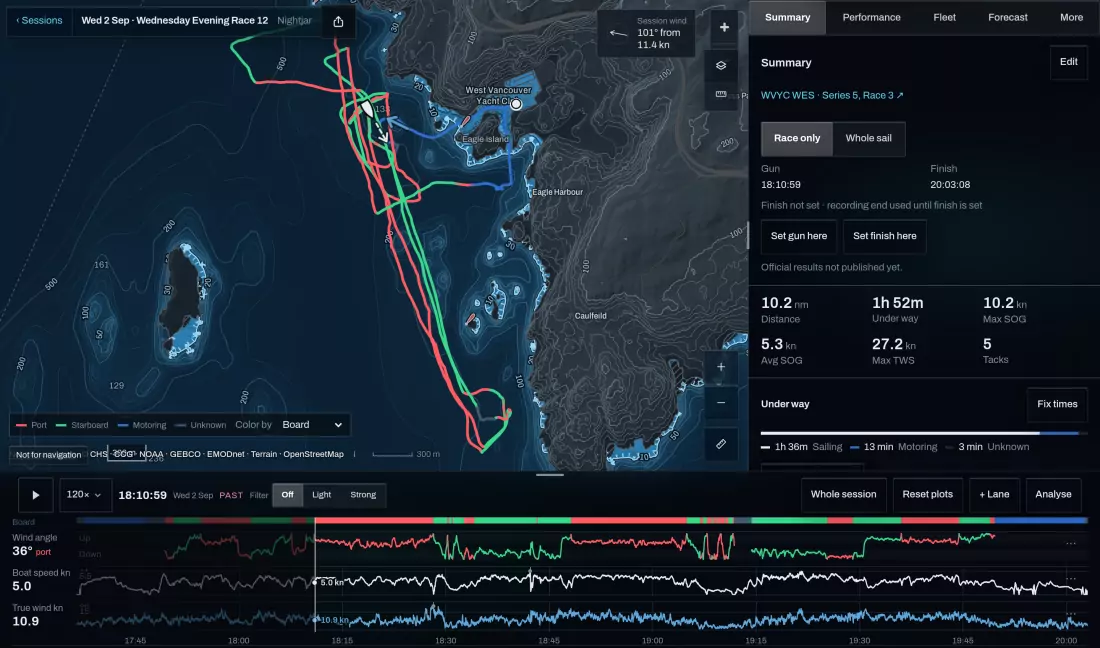
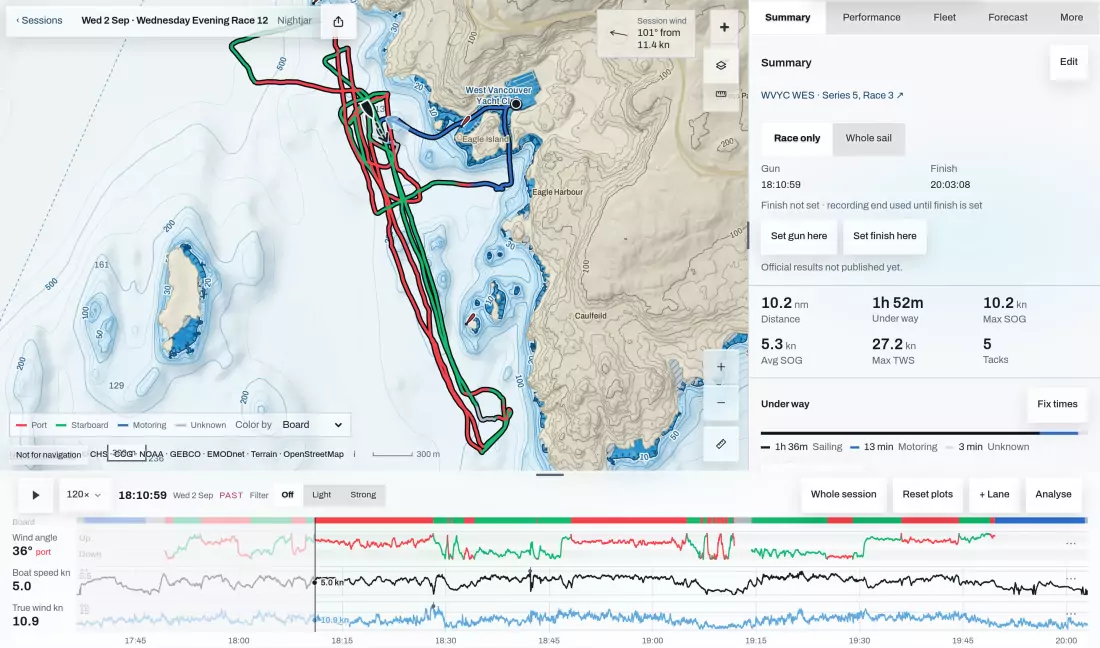
Wind, heading, speed and position, with more when present.
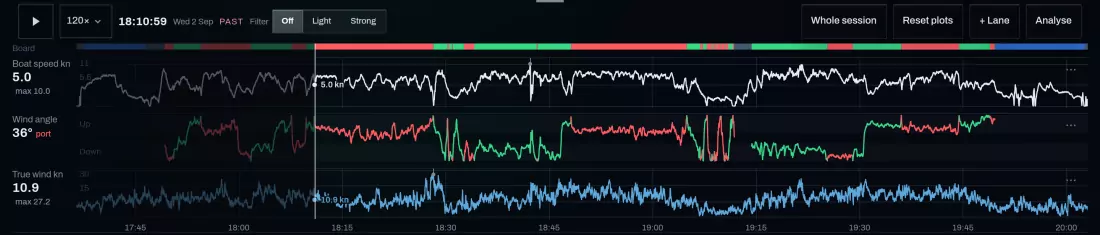
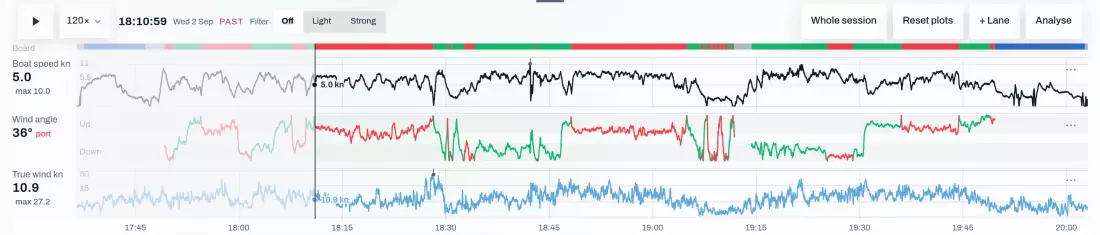
Telltale reads supported NMEA 2000 channels including heading, turn rate, heel and pitch, speed through the water, depth, log distance, GPS position, speed and course over ground, wind and temperature. AIS messages can supply the boats heard by the boat’s AIS equipment. The connected instruments determine which of these readings arrive.
B&G proprietary performance readings can come through too when the instruments send them. The gateway is the route from the backbone; it does not make a missing sensor reading. Look at what the recorder hears on this boat, then use those channels when reviewing the sail. That gives you a concrete check before expecting a particular lane in the session.
Keep the instrument output together
The USB connection asks for the full receive feed.
An Actisense USB gateway’s normal receive list can leave out proprietary instrument data. Once valid Actisense readings identify the port, Telltale asks the gateway for Transfer: Receive All. That lets messages outside the default list reach the recorder, including B&G performance readings when present.
The setting concerns what the gateway forwards to the computer. It keeps the recording useful when the boat has instruments sending more than the ordinary position, speed and wind messages. You can then review the supported channels together in the sail’s session, rather than keeping a separate record for those performance readings.
Troubleshooting
Check the connection and the output format.
A phone cannot use the Actisense USB connection; plug USB into a laptop or boat computer. If a Wi-Fi gateway connects but stays quiet, check its data server is sending N2K ASCII. If a channel is blank, check whether the instrument sends it and whether Telltale supports that message.
Unknown NMEA 2000 messages remain in the recording archive but produce no displayed readings. A complete receive feed does not mean every message becomes a channel.
Questions
Can I record an Actisense Wi-Fi feed on a phone?
Yes. Use the gateway’s N2K ASCII network output and join its Wi-Fi.
Do both NGT-1 and NGX-1 USB work?
Yes. Telltale reads their Actisense binary output on a laptop or boat computer.
Does Receive All send commands to the boat’s instruments?
No. It asks the gateway to forward its full receive feed to the recorder; it does not put a control message onto the boat’s bus.
Can B&G performance readings come through?
Yes. Supported proprietary performance readings come through when the instruments supply them.
Sources and review
Official references checked on 2026-11-23. Product details and schedules change; the provider’s page is the current word.