

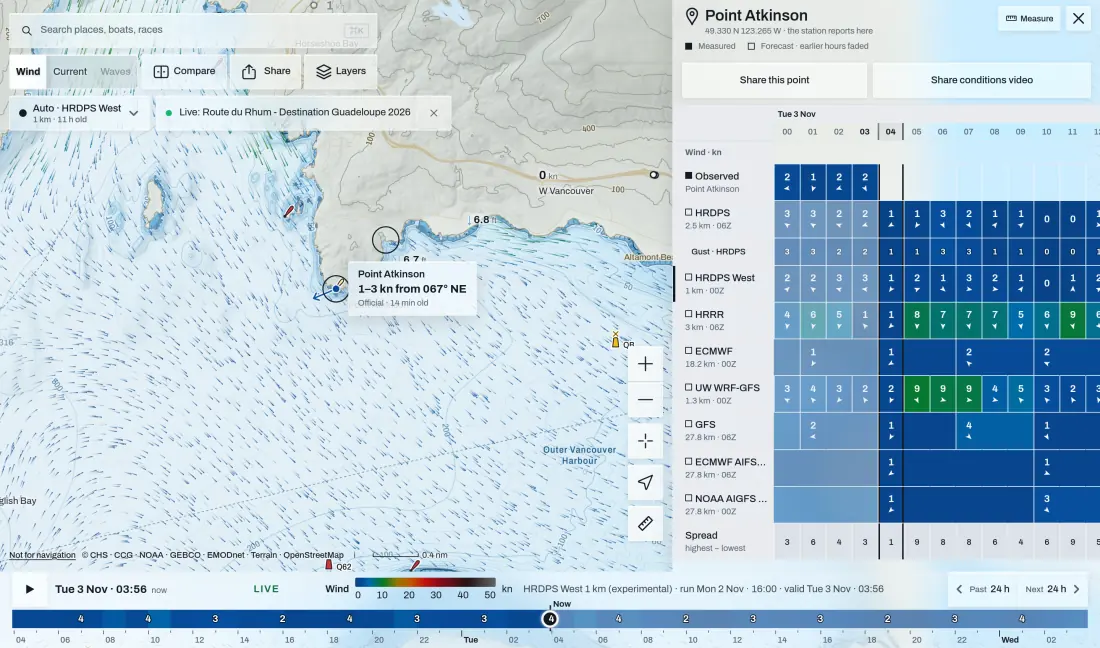
Your existing station, on the sailing map
Start with the station you already send to Weather Underground.
Telltale reads the current observations from your Weather Underground station using its station ID and your owner key. Paste the station’s link or enter its ID in station connections.
There is also a direct route for weather-station software. WeeWX, Meteobridge and Cumulus can send to a Telltale upload address using the Weather Underground upload format. Choose the route that matches what you run: an existing online station, or software whose upload destination you can set.
Connect the online station
Use your own account and station.
Choose On wunderground.com · Add from anywhere. Open your station on wunderground.com and copy its link. Paste that into Telltale, or enter the station ID. Open your Weather Underground account’s keys page, generate a key if needed and copy it into the connection form.
Check that the station is yours and that its latest observation is arriving before finishing the connection. The link identifies which station Telltale should read. The owner key allows it to read the observations.
Send from WeeWX or other station software
Use the upload address Telltale gives you.
Choose Software on a Raspberry Pi or computer and Get the upload address. In the software, add a Weather Underground upload or custom web-address upload. Copy the full address shown by Telltale, including weatherstation/updateweatherstation.php at the end. Send every minute over plain http, then restart the software.
In WeeWX, set server_url under [[Wunderground]] in weewx.conf. In Meteobridge, use Services. In Cumulus, use Settings, Internet. For this Telltale destination, the station ID and password fields can contain a name such as telltale.
What comes through
Current wind with the accompanying weather.
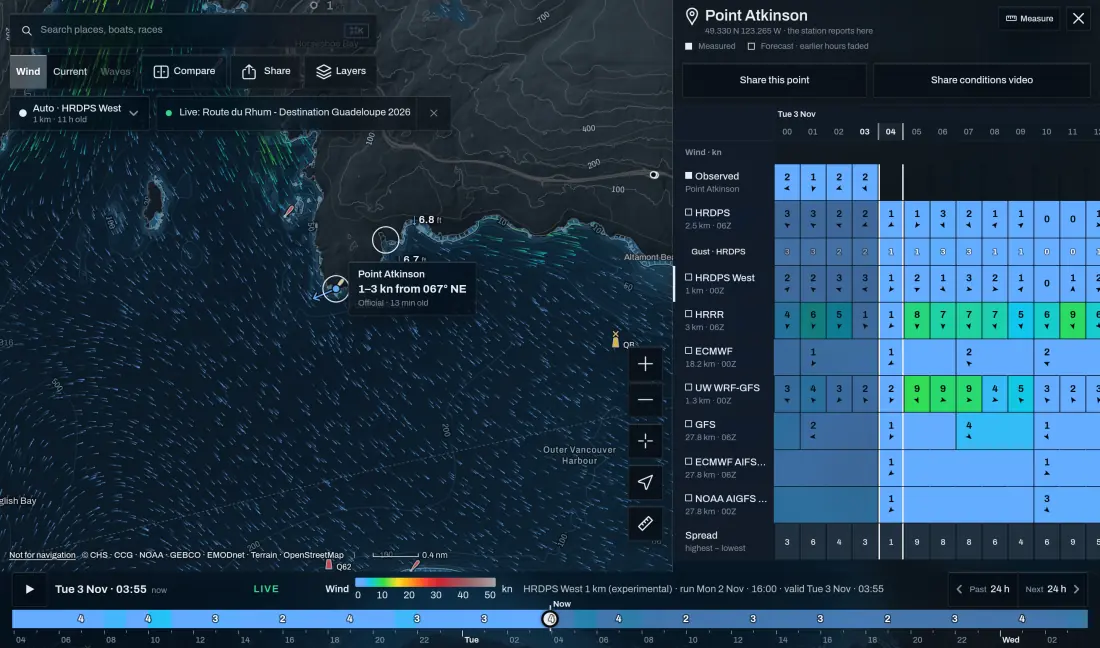
The online station supplies wind speed, gust, direction, air temperature, sea-level pressure and the observation time. The direct software upload also accepts wind and accompanying outdoor weather readings. Telltale converts the supplied units so the observations can be read together with the other stations.
For a sailing check, start with speed and direction, then look at the gust and reading time. Compare the same hour in the forecast. This makes the station useful as a local observation, whether its sensor is at the club’s waterfront or a home beside the sailing area.
Place the station and share its page
Make the location match the sensor.
Give the station a name sailors recognise, place it where the sensor stands and enter its rough height. Choose Shore, Dock, Roof or Garden for the mount. Everyone gives the station a public page and shareable link. Only me keeps the page private and its readings out of the public map and forecast.
An exposed shore or dock station can help correct local wind forecasts. A roof or garden station does not correct the forecast over the bay. Keep the distinction clear when placing a club station: the position and mount describe what the sensor measures, even if the club’s address is somewhere else.
What the nearby fleet gains
A reading to compare with the model before leaving.
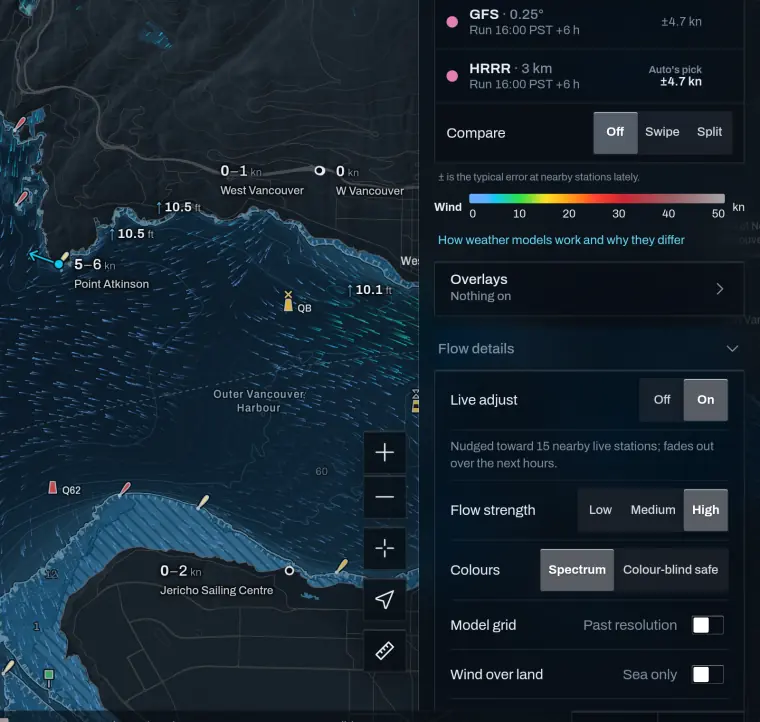
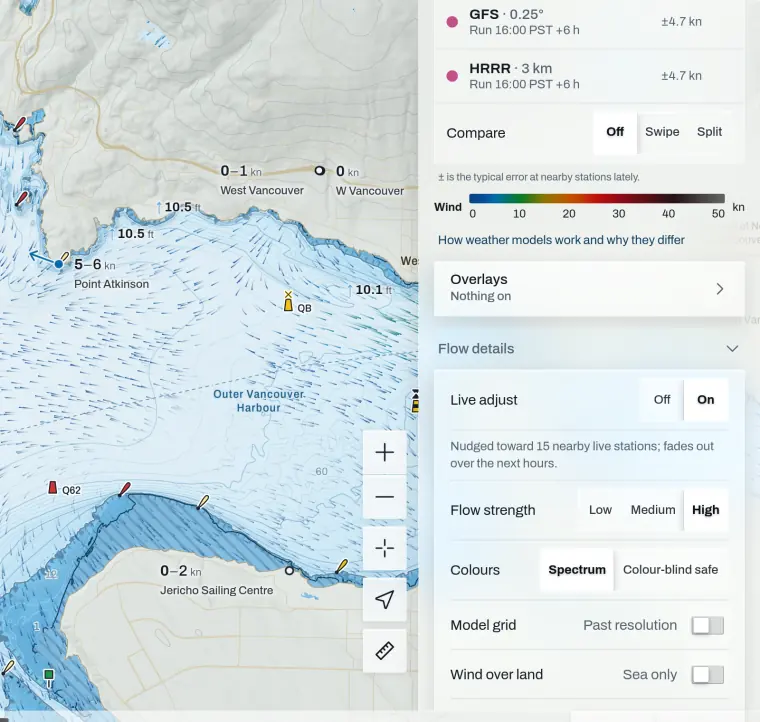
Conditions puts station observations beside forecast wind. Tap a station to compare the same hours, then tap the water to inspect the model wind along the intended sail. A fresh reading at the launch site gives the crew a local check before moving out into the wider forecast.
Forecast correction uses suitable fresh measurements to nudge the model toward the wind being observed. That influence fades with time and distance. The forecast correction guide explains it in detail.
Troubleshooting
Check which connection you chose.
The online route needs the station owner’s key; Telltale does not scrape the Weather Underground website for observations. If the station has not reported, check its original reading first. For direct software uploads, use the complete http address supplied by Telltale and check that the software has restarted.
Direct uploads with implausible wind or a timestamp too far ahead or behind are refused. Check the sensor and clock before retrying. A new public station needs a steady record of readings before joining the Conditions map. Its live page is the place to check arrivals during that period.
Questions
Do these connections send my sailing sessions to Weather Underground?
No. They bring weather-station observations into Telltale.
Can WeeWX send directly to Telltale?
Yes. Use the software-upload choice and set its Weather Underground upload destination.
Can I connect with just a station link?
No. The online Weather Underground route also needs the station owner’s key.
Can I share the reading with the club?
Yes. Choose Everyone for a public station page and shareable link.
Sources and review
Official references checked on 2026-11-23. Product details and schedules change; the provider’s page is the current word.