

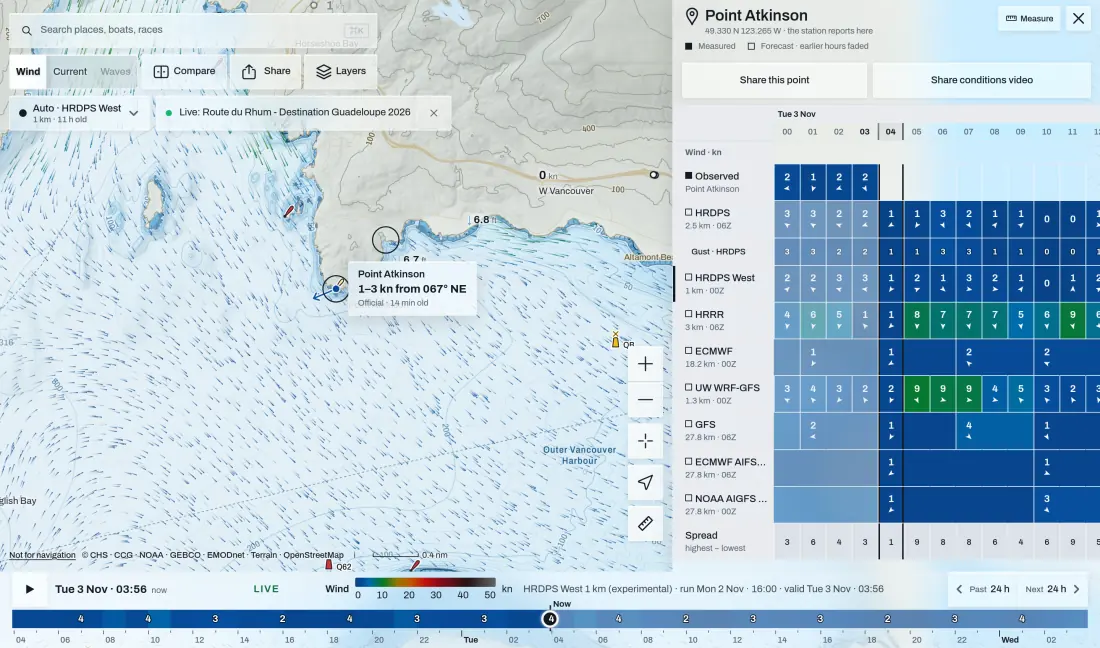
Use the dashboard you already share
A public Ambient Weather page is the way in.
Telltale can read a shared ambientweather.net dashboard without a key. Ambient Weather WS-2902 and WS-5000 stations are named in the station setup. For the public-page route, start with the dashboard that shows your station’s weather and opens for someone who is not signed in.
This fits a home by the water, a sailing club or a marina that already shares its weather online. Nearby sailors gain a measured reading beside the forecasts they use for the bay.
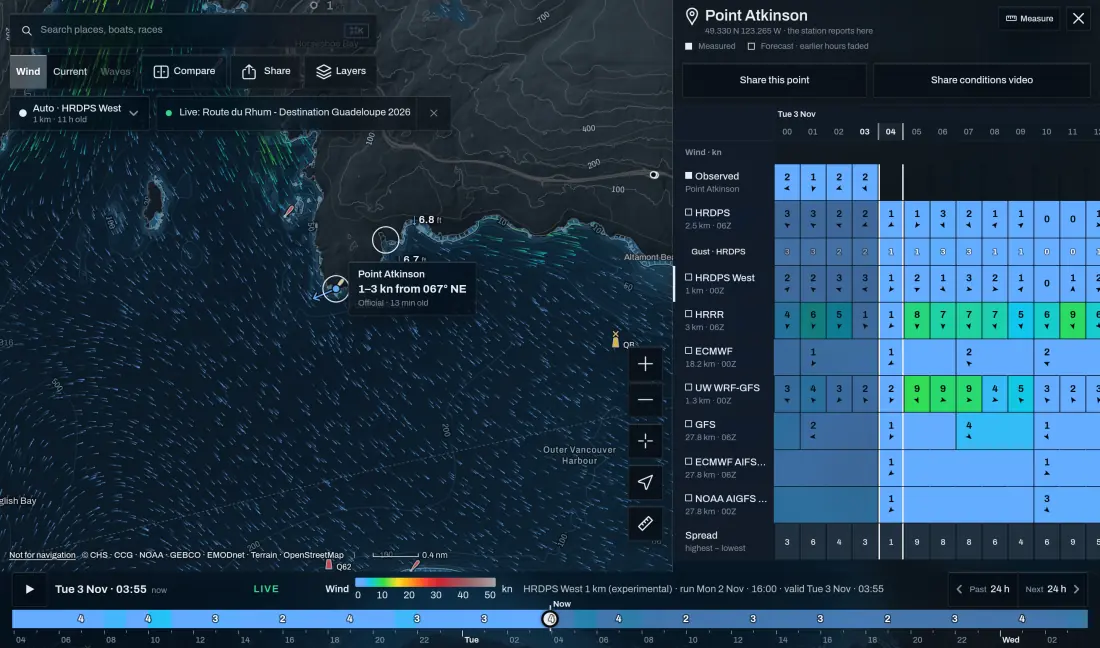
Copy the public station link
Use the shared dashboard address.
Open the station’s public dashboard in a browser. The address starts with ambientweather.net/dashboard/. Copy it from the address bar. In Telltale, open station connections and choose A public WeatherLink or Ambient page. Paste the address into Public page link and follow the check for that station.
Keep the original dashboard open until you have checked the result. Match the station name and latest weather so you know you have linked the right site. If the page does not say where the sensor stands, Telltale asks you to place it yourself. Use the installation’s position rather than a general club address.
Read what the public page shows
The shared weather is the source.
Telltale reads the public page once every few minutes and uses the weather that page already shows. Check its wind, gust and direction at the source when connecting it. Keep the reading time in view when comparing the station with another site or with a forecast for the same hours.
The useful check before sailing is the local wind at that fixed place. Open the station in Conditions to compare measured weather with the forecast. Return to the public dashboard if you need to check what the source is reporting.
Tell sailors where it measures
Position, height and mount describe the site.
Place the station at the sensor’s actual position and enter its rough height. Choose Shore, Dock, Roof or Garden as its mount. Give it a name that helps sailors recognise the place.
The mount decides how the wind can be used. An exposed shore or dock reading can help correct the nearby forecast. A roof or garden station measures the conditions at that site and stays out of forecast correction. Choose the description that matches the installation so shelter at a house does not pull the bay’s forecast toward it.
Share a page for the club
Choose who gets the reading.
Choose Everyone to give the station a public page and shareable link in Telltale. Members can return to that page for live wind and gusts with a day of history. Choose Only me if you want a private page; those readings stay off the public map and out of forecast correction.
For a club or marina sharing its station, check the page yourself before circulating the link. Look at the location, the name and the latest reading.
What the wind adds nearby
Put an observation beside a forecast.
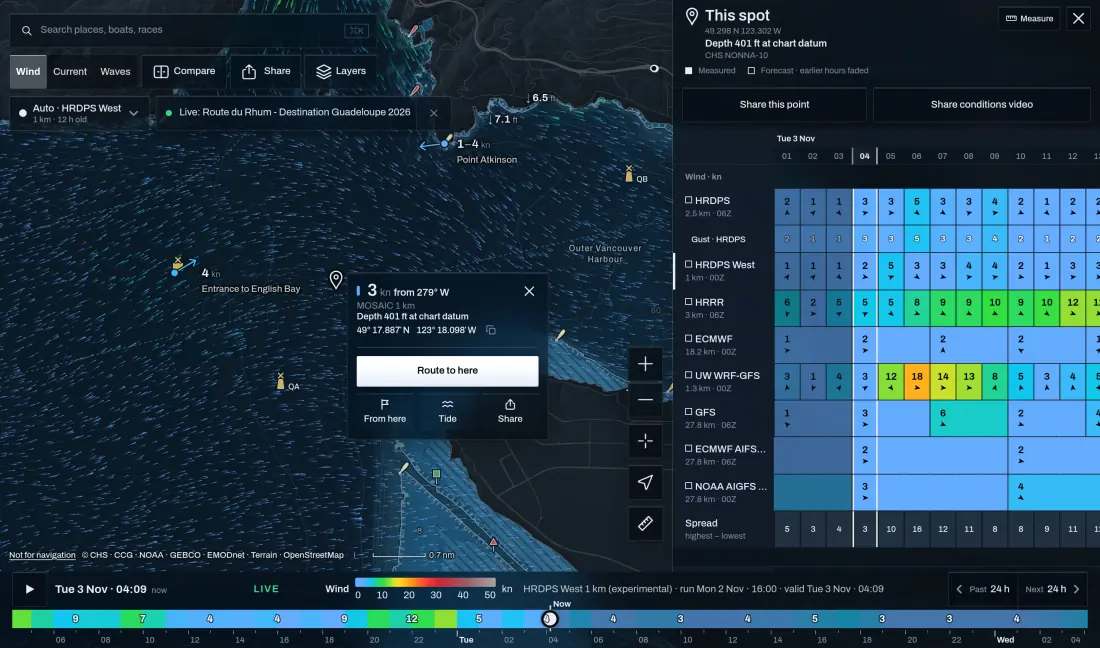
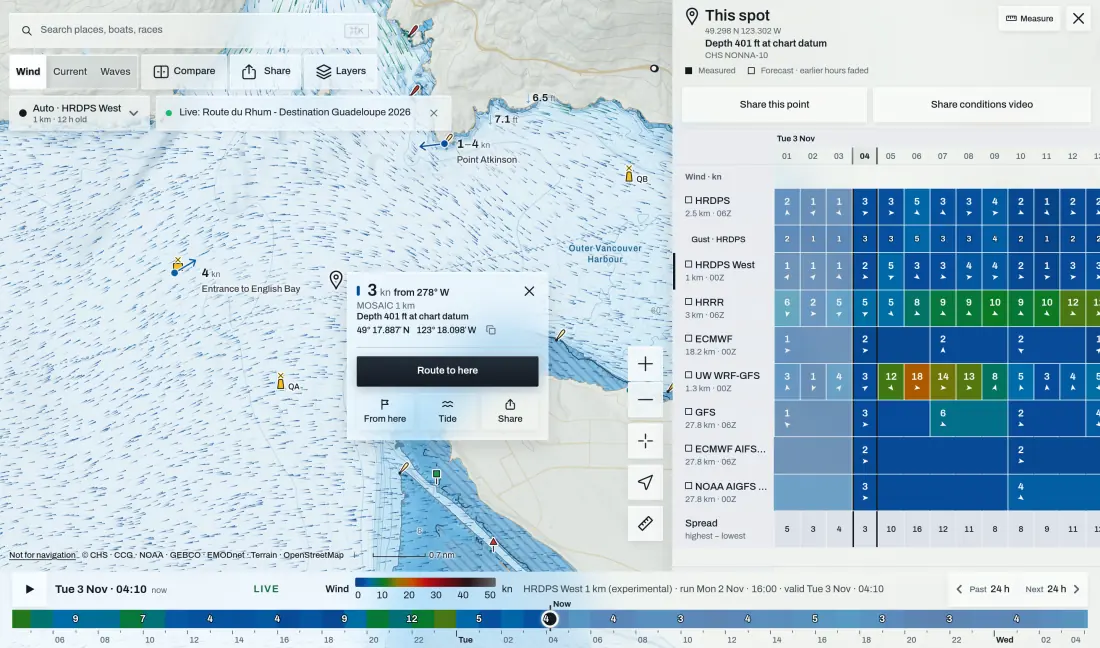
A forecast describes the wider area. A station supplies the weather at one fixed site. In Conditions, compare the station’s measured wind with each model for the same hours, then tap the water to inspect the forecast where the boat will sail. That keeps the local reading in its geographical context.
Live adjust uses suitable fresh station readings to nudge local model wind toward the measurements. The correction fades with time and distance. The forecast correction guide explains how it works. A station exposed to the sailing water can add useful evidence for nearby crews, while the models still provide the wider picture.
Troubleshooting
Check the public link first.
The dashboard must open without signing in. An account page, a private dashboard or a link that no longer shows the station will not work as the public-page source. Open it while signed out and copy the full dashboard address again before trying the connection.
Keep checking the source weather if the Telltale page stops receiving readings. A new station also needs a steady record of readings before it appears on the public Conditions map. Its page works while that record builds, so a missing map marker on the first day is not the place to judge whether weather is arriving.
Questions
Do I need a key for this setup?
No. This setup reads the public Ambient Weather dashboard.
Can I share a page with the club?
Yes. Choose Everyone to get a public station page and shareable link.
Can I place the station myself?
Yes. Place the sensor on the map when the public page does not supply its location.
Can I compare the station with the forecast?
Yes. Open the station in Conditions to compare observations with model wind.
Sources and review
Official references checked on 2026-11-23. Product details and schedules change; the provider’s page is the current word.